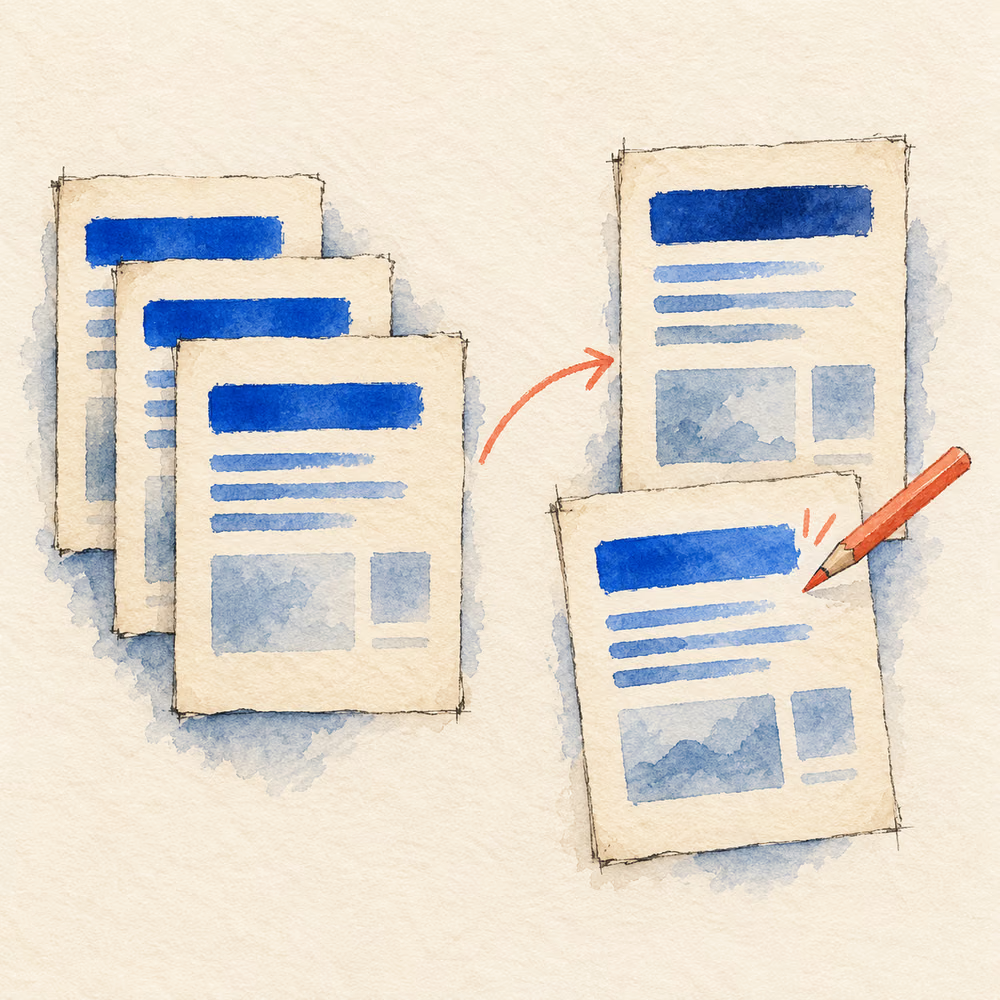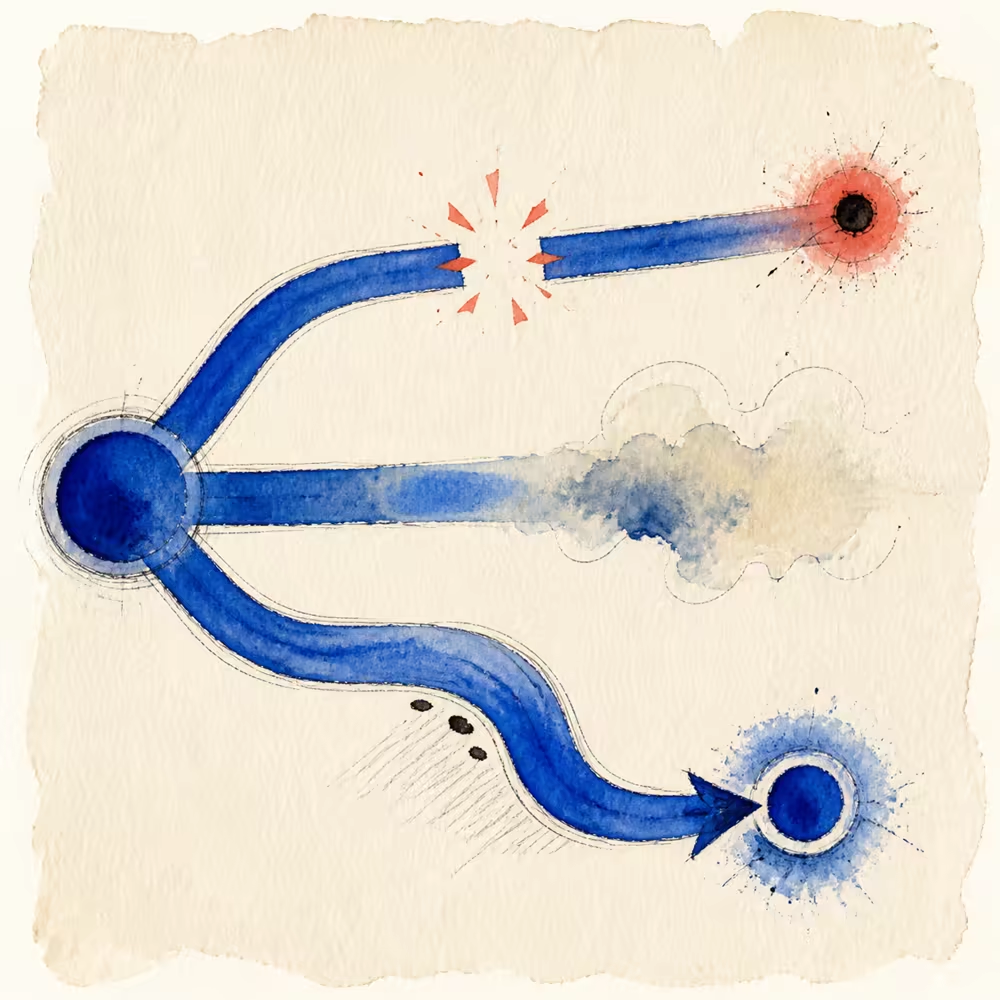
You publish a page, paste the link into a post, and the card shows an old title—or no image at all. The first instinct is often to edit the post. The real problem is usually in the page metadata or a platform cache.
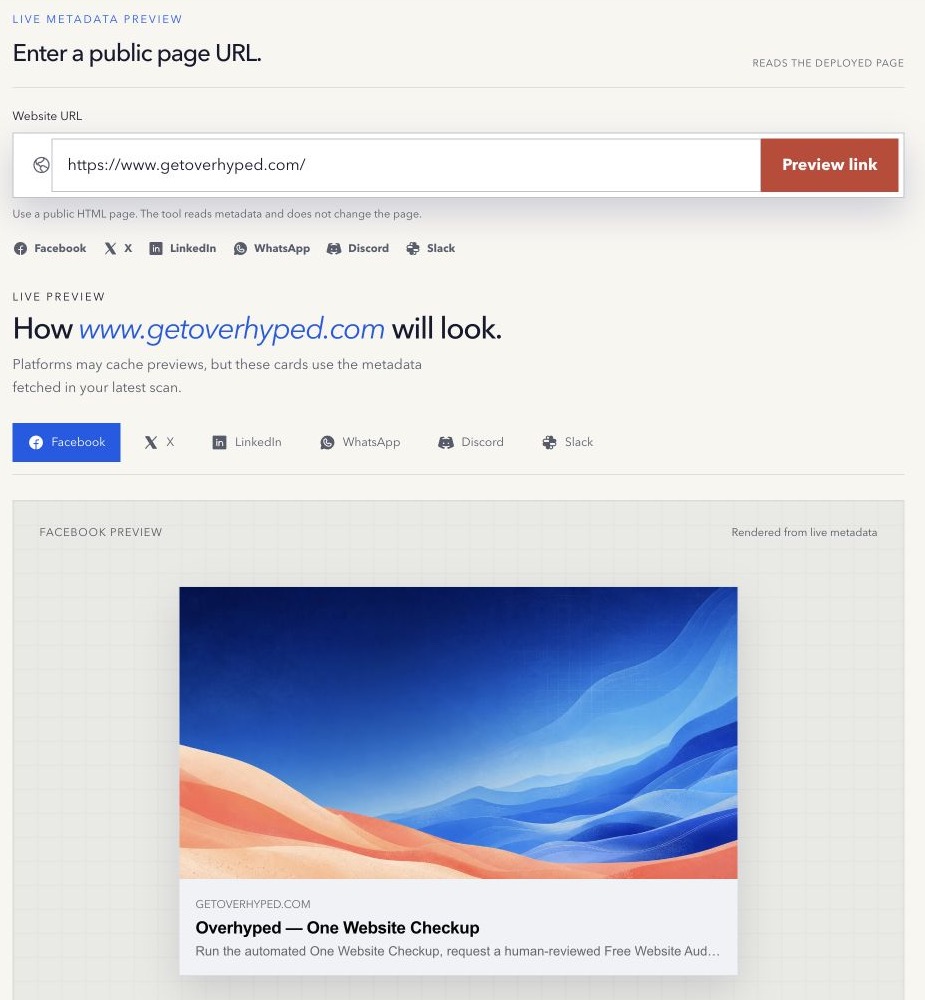
We built the Social Link Preview for this small but frustrating moment: see what the live page exposes before the announcement goes out.
Where link previews come from
Many social and messaging products fetch the shared URL and read Open Graph tags from the page head. Common values include og:title, og:description, og:image, og:url, and og:type. X also recognises Twitter Card tags and can use Open Graph values as fallbacks.
The platform then creates its own card. It can crop an image, shorten text, ignore unsupported markup, or reuse cached values.
Why the wrong title or description appears
The Open Graph value may be missing, empty, duplicated, or still produced by an old template. In that case, a platform may fall back to the HTML title or meta description. A client-side script may also add tags too late for a crawler that reads only the original server HTML.
Inspect the live fetched page, not only the CMS form where you entered the text.
Why an image is missing
The image URL should normally be a complete public HTTPS URL. Relative paths, authentication, crawler blocks, redirects, incorrect content types, and very slow files can prevent a fetch. An image can also be technically available but unreadable after a platform crops it.
Use a purpose-built social image with important words and faces away from the edges. Test it at a small size.
Why an old card remains after a fix
Platforms cache link metadata so they do not fetch the page on every share. Correcting the live tags does not always clear that cache immediately. Some platforms provide sharing debuggers that request a refresh; others update on their own schedule.
This creates two separate questions:
- What does the live page expose now?
- What has this platform cached from an earlier fetch?
A preview checker answers the first. The platform controls the second.
A practical fix sequence
- Fetch the final public URL and note any redirects.
- Inspect the Open Graph and Twitter Card values in the live HTML.
- Confirm that the image URL opens without a login.
- Fix the template or page fields, then deploy.
- Fetch the live URL again.
- Use the platform’s official debugger when a stale cache remains.
Do not keep changing good metadata because one network has not refreshed its cache yet.
The Open Graph protocol documents the core properties. X publishes its own card markup guidance and explains its fallbacks.
Preview before you post
Use the free Social Link Preview to inspect the fetched title, description, and image across several representative card layouts. It is a preview, not a guarantee that every product will render the same crop.
Method note: the tool reads live public metadata. Platform rendering and caches remain outside its control. Last reviewed 16 August 2026.