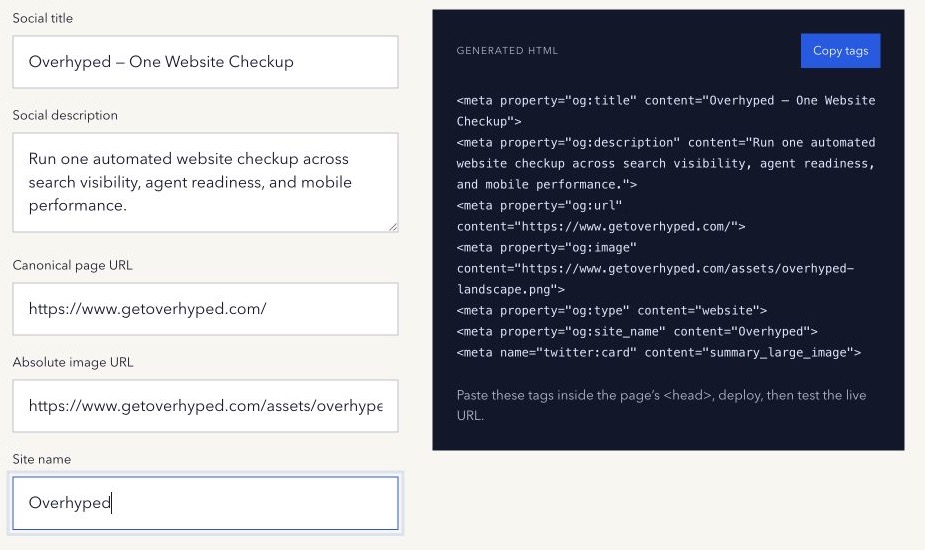
Open Graph metadata can become a long checklist. Most teams first need a small reliable set that describes the page, points to a public image, and survives a real platform fetch.
Start with the core properties
The Open Graph protocol defines four required properties for an object:
og:title— the share title;og:type— commonlywebsitefor a normal page;og:image— an image URL;og:url— the canonical object URL.
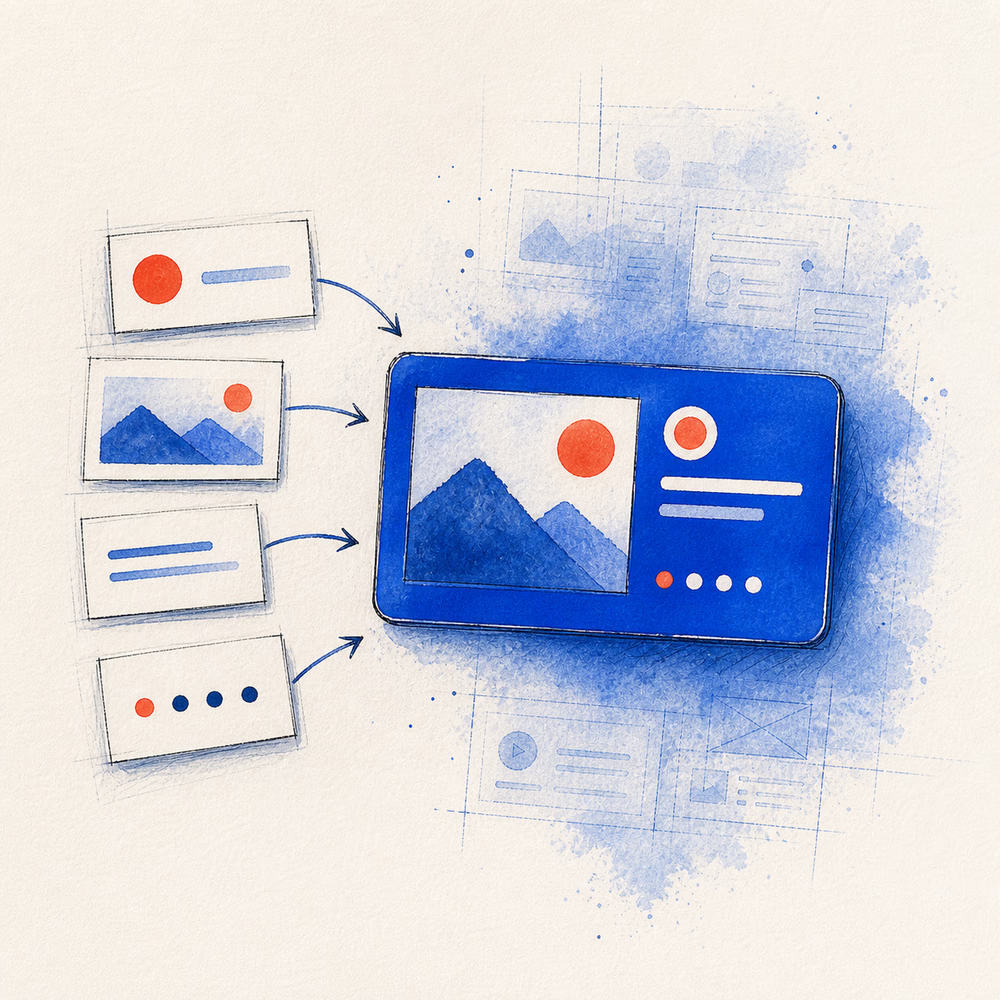
In practice, og:description and og:site_name are also useful because they give the card context. A twitter:card value such as summary_large_image tells X which card format is intended.
A practical example
<meta property="og:title" content="A useful page worth sharing">
<meta property="og:description" content="A clear summary of what the page contains.">
<meta property="og:url" content="https://example.com/useful-page">
<meta property="og:image" content="https://example.com/social-image.jpg">
<meta property="og:type" content="website">
<meta property="og:site_name" content="Example">
<meta name="twitter:card" content="summary_large_image">
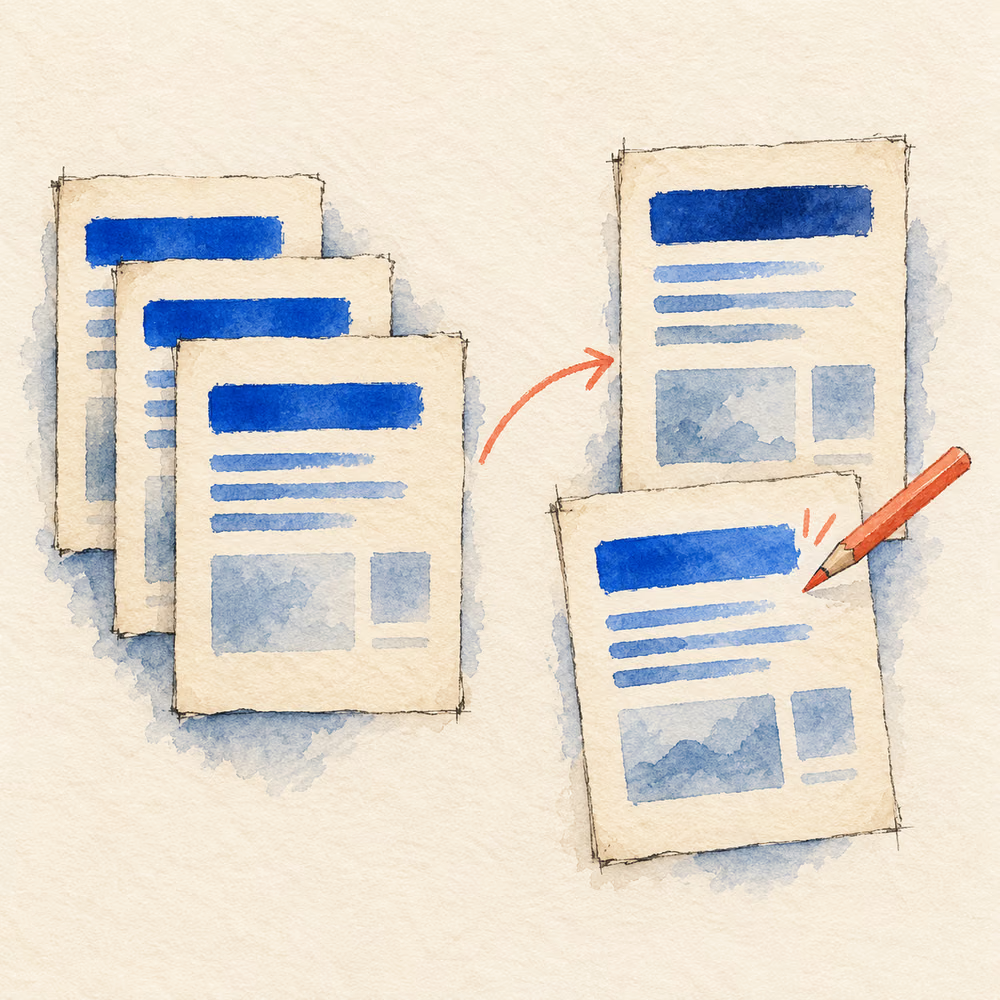
Put the tags in the page head and make their values page-specific. A template should map to real content fields instead of repeating one title and image across the site.
Use absolute public URLs
The page and image values should normally be complete HTTPS URLs. A crawler fetching https://example.com/page may not handle a relative image path in the way your browser does.
Open the image URL in a private window. It should load without cookies, a login, or a blocked network. The response should have an image content type.
Design for unpredictable crops
Different products display different aspect ratios and may crop the image. Keep the important subject away from the edges. Use large, readable type and enough contrast. Check the card at phone size, where fine detail disappears.
An often-used starting canvas is 1200 × 630 pixels, but no single size guarantees identical rendering everywhere.
Deploy and verify
Generated code is only a draft until it is live. Inspect the server-returned HTML after deployment. Then fetch the public URL in a preview tool and, when necessary, the platform’s official debugger.
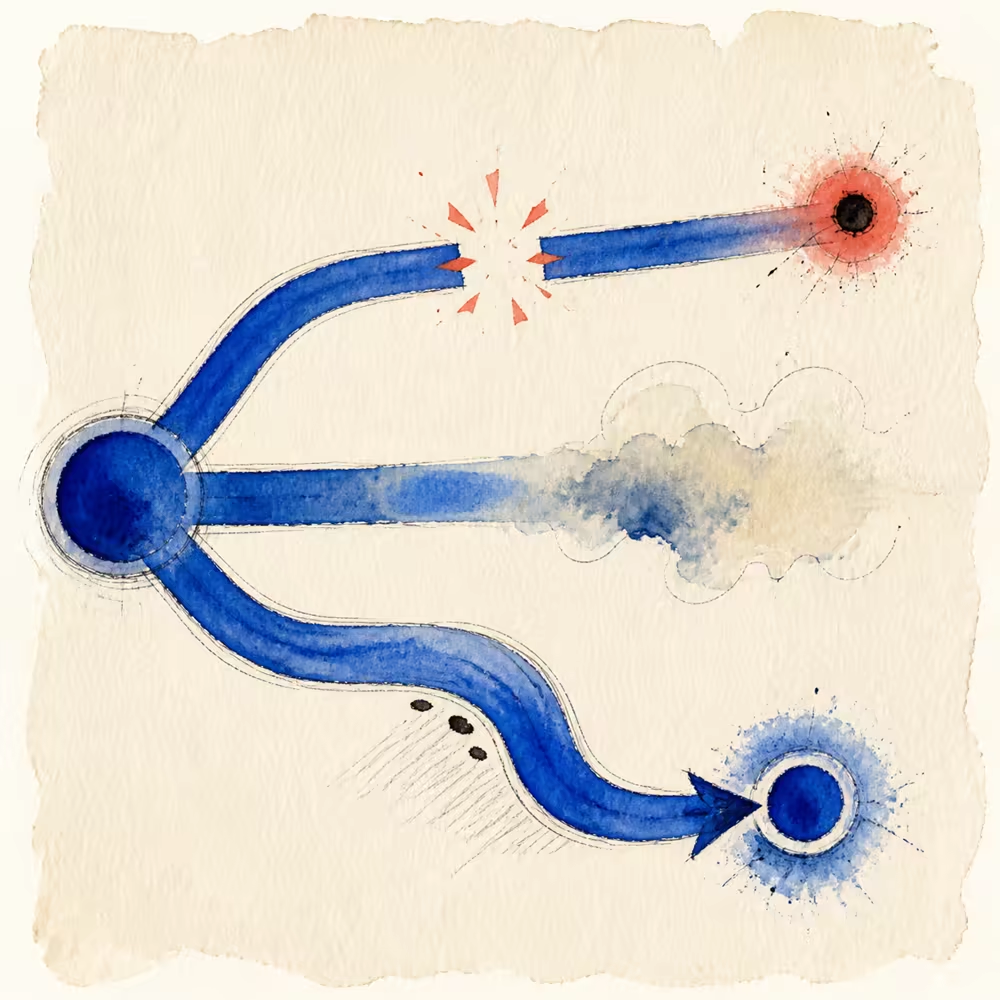
If an old card remains, separate a metadata problem from a cache problem. First prove the live tags are correct; then ask the platform to refresh them where that option exists.
Generate the clean starting block
Use the free Open Graph Tag Generator, copy the tags, map them into your site, and test the final URL with the Social Link Preview.
Method note: generated tags are escaped locally in the browser. The tool cannot verify deployment, image reachability, or platform caches. Last reviewed 16 August 2026.