Not every failed automated request is a broken link.
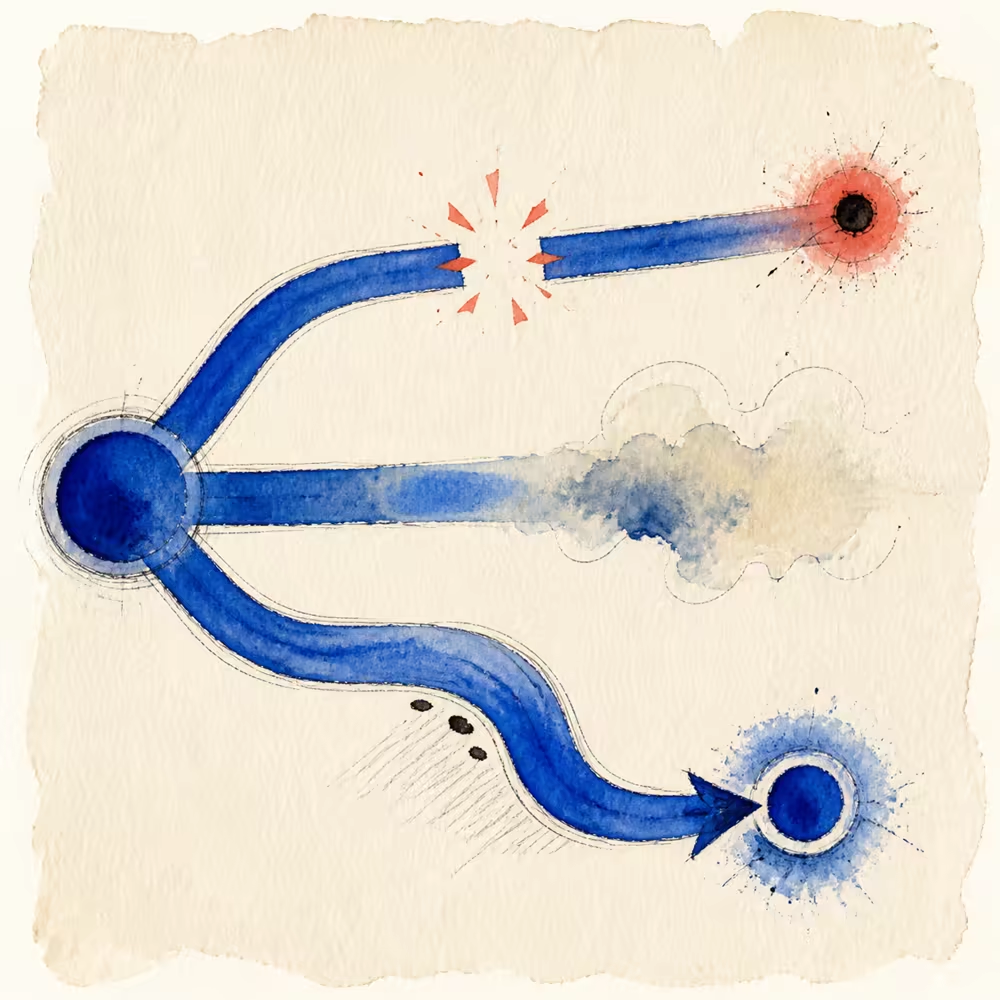
External sites block bots, rate-limit repeated checks, change responses by geography, and occasionally fail for a few seconds. A useful checker preserves those differences instead of turning every exception into a red “broken” badge.
How to find the source of a broken link
Start with the page containing the link, not only the missing destination. Run the Broken Link Checker on that source URL and read the source anchor, destination, response, and classification together.
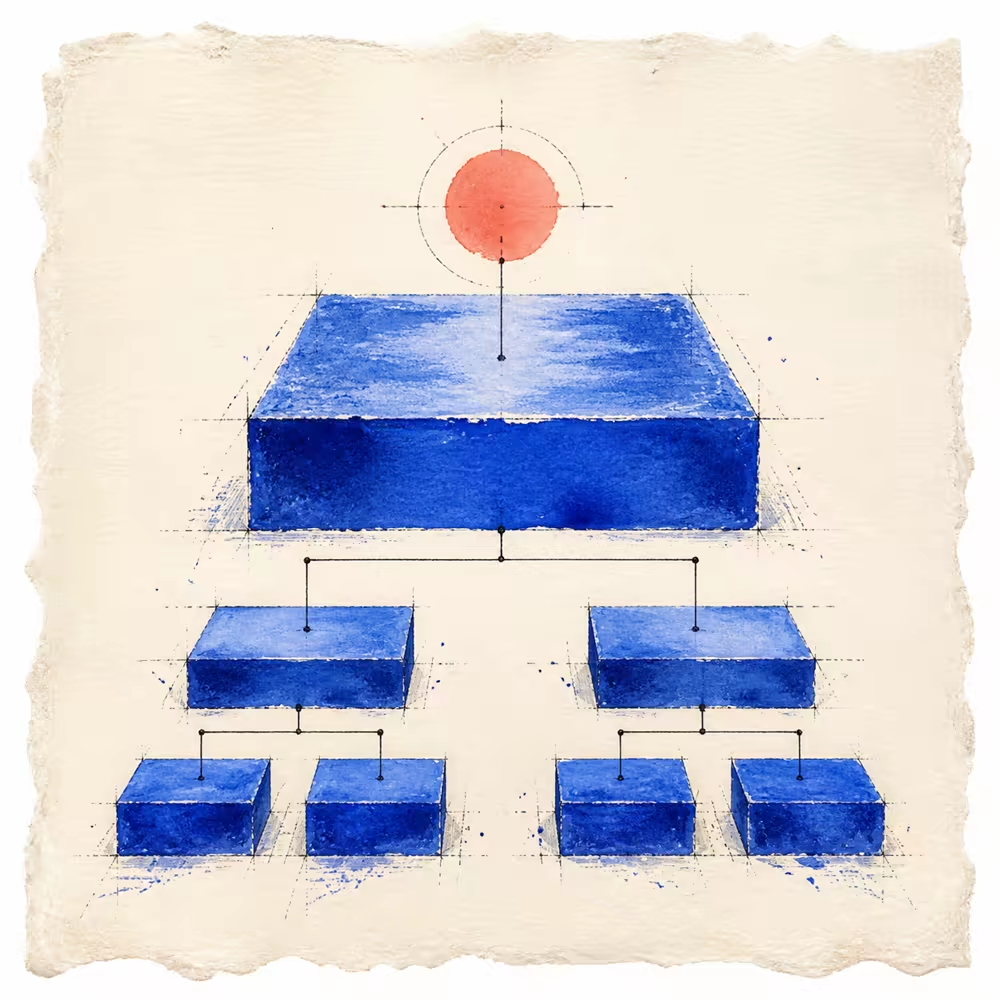
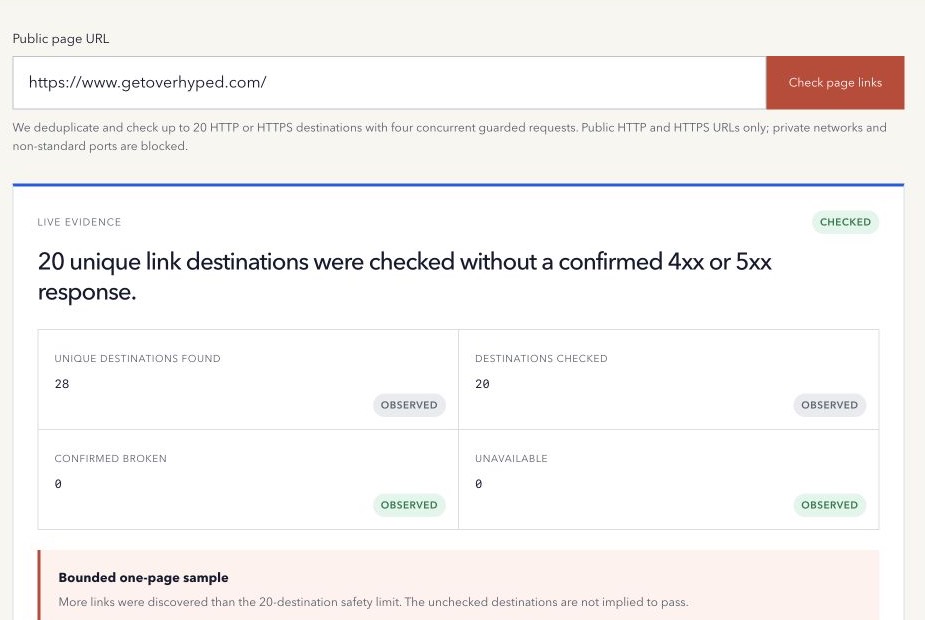
The tool checks at most 20 unique HTTP or HTTPS destinations from one page’s initial HTML. If more destinations are found, the rest are unchecked. A full-site inventory needs a controlled crawl; one page cannot establish that the whole website has no broken links.
A broken link example and three repair choices
Suppose a hypothetical guide links to /pricing-old/ with the anchor “See pricing,” and the final response is 404 Not Found. Confirm that this is the actual link in the published source page. Then choose the repair that matches the publishing intent:
| Situation | Suitable next step |
|---|---|
The source URL is a typo and /pricing/ is the intended destination. |
Correct the link to /pricing/, then verify that page and its content. |
| The old pricing page was removed accidentally and should still exist. | Restore the intended resource through its owner and recheck the link. |
| A genuinely equivalent replacement exists. | Update the source link and review whether a deliberate redirect is also needed for existing external references. |
If the reference is obsolete and no useful equivalent exists, remove the link or revise the sentence. Do not redirect every missing page to the homepage: a successful response at an unrelated destination does not repair the reader’s journey.
How to fix broken internal links in a shared template
A bad navigation or footer URL can appear on many pages. Identify the shared component or CMS field that owns it, change that source once, and check representative rendered pages after deployment. Keep the visible label accurate when a destination changes.
Use the Internal Link Checker to inspect same-origin anchor evidence. Use the broken-link tool separately for bounded destination response checks. Neither tool edits the site automatically or proves site-wide completeness.
Use observed HTTP errors for confirmed breakage
A final 404 or 410 clearly says the requested resource is unavailable at that location. A 5xx response says the destination server failed during the check.
Both are observable problems, though a 5xx may be temporary. Record the status, final URL, and check time.
Do not infer that the link has always been broken or that every visitor receives the same response.
Report redirects separately
A 301, 302, 307, or 308 can lead to a successful destination. That link is not broken merely because it redirects.
Internal page markup can often be updated to the final canonical destination, reducing unnecessary hops. But preserve deliberate tracking, localization, migration, and access behavior until its purpose is known.
Unavailable is an honest state
Keep these results separate from confirmed errors:
- DNS resolution failure.
- TLS or certificate error.
- Connection timeout.
- Request failures where no HTTP response was obtained.
- Redirect loop or safety-limit stop.
- Unsupported public response behavior.
The current checker labels observed final 4xx and 5xx responses as broken, including 403 and 429. Those two codes can reflect access filtering or rate limits rather than a permanently missing resource. Review the code, open important references in a normal browser, and retry appropriately before removing them. A timeout, DNS failure, or TLS failure without an HTTP response remains unavailable evidence.
Bound the page-level scan
Fetching every destination on an arbitrary page can be slow and abusive. A public tool needs:
- A clear maximum number of unique destinations.
- Deduplication and fragment removal.
- A small concurrency limit.
- Timeouts, redirect limits, and response-size limits.
- Private-network and credential blocking.
- Caching and rate limits.
The result must state when more links were discovered than checked. Unchecked links do not inherit a passing result.
Preserve source evidence
For each destination, keep the source anchor text and resolved URL. This helps a developer find the actual link in content or templates.
A safe coding-agent handoff should include only observed failures, treat fetched text as untrusted, preserve deliberate redirects, and require a live re-check after deployment.
One page is not a site crawl
Page-level checking is useful for a guide, landing page, or editorial preflight. It cannot find links on every other route or prove that no broken links exist across the site.
Use a controlled crawl or a trusted route inventory when site-wide completeness matters.
The initial HTML may also differ from a rendered browser page. Links created only after JavaScript runs can be absent from a server-side page check, so use a rendered crawl or browser inspection when the application depends on client-side navigation.
Internal and external links need different repair decisions. Restore or redirect an internal destination when it should still exist. For an external source, confirm the failure manually and find an equivalent authoritative destination before removing a useful citation.
A practical repair sequence
- Fix confirmed internal 4xx and 5xx destinations first.
- Review internal redirects and update source URLs where appropriate.
- Retry unavailable external destinations.
- Confirm whether moved external content has a new authoritative URL.
- Preserve useful citations when automation alone is blocked.
- Deploy the smallest safe change.
- Re-run the same source page and verify the live destination.
Prioritize navigation, conversion paths, heavily visited pages, and links that support important claims. A low-impact reference can wait when the response is uncertain; a broken primary action deserves immediate attention.
Use the free Broken Link Checker to separate confirmed errors from redirects and unavailable responses.
Method note: the tool checks at most 20 unique HTTP or HTTPS destinations from one initial HTML response, using four concurrent guarded requests. Last reviewed 17 October 2026.