Headings help readers scan a page and help assistive technology navigate its structure. They are semantic labels, not containers for a quota of keywords.
A heading checker should show the actual outline and identify evidence that needs review. It should not pretend a single pattern fits every document.
How long should an H1 tag be?
An H1 needs enough detail to identify the page without becoming a paragraph. Do not treat a fixed number of characters as a Google requirement. Check whether a reader can understand the topic, distinguish the page from nearby pages, and scan the heading on a phone.
For a hypothetical page about reviewing a sitemap, compare these options:
| H1 | Editorial review |
|---|---|
| Tools | Too vague to explain the page’s task. |
| How to Review URLs in an XML Sitemap | Names the task and the object being reviewed. |
| XML Sitemap SEO Sitemap URL Review Best Sitemap Tips | Repeats terms without making the task clearer. |
These are writing examples, not measured ranking results. A longer heading can be useful when the subject needs qualification. Edit for meaning before shortening it to satisfy a counter.
What H1 and H2 mean in an outline
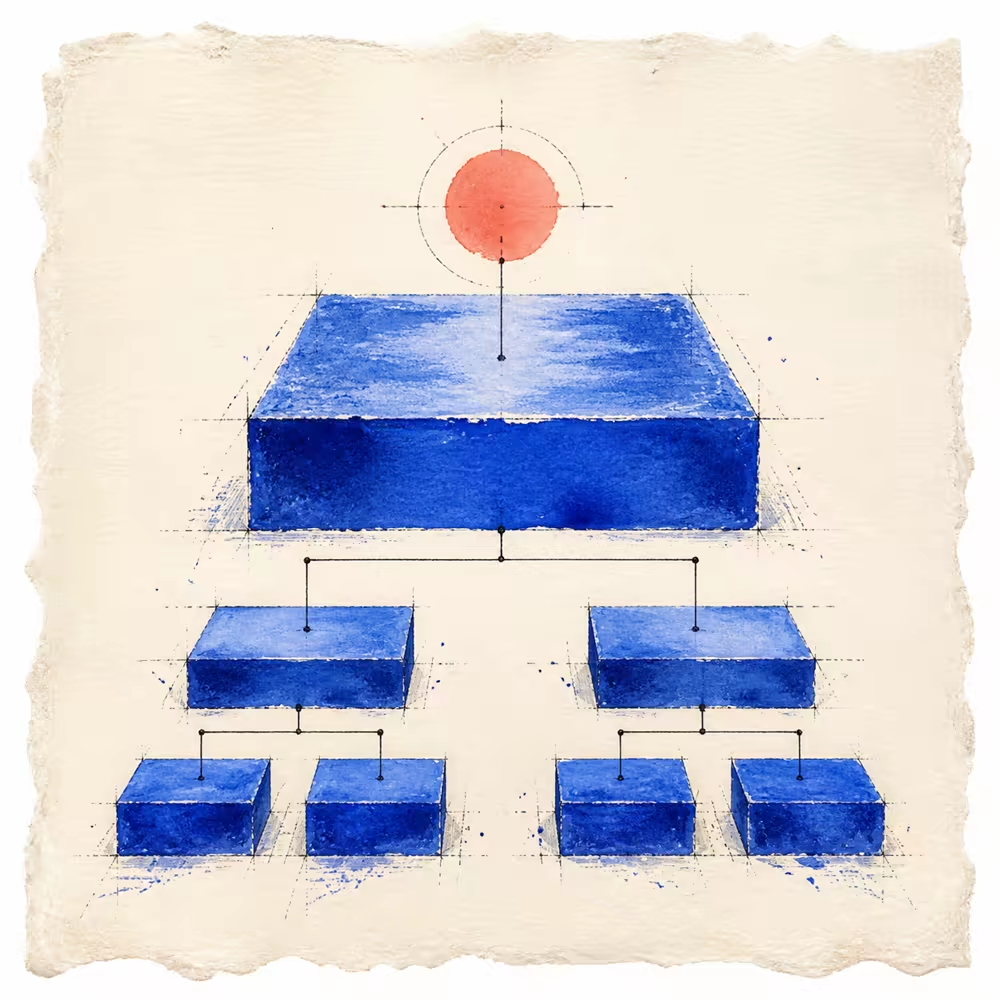
The H1 identifies the primary topic. H2 headings divide that topic into major sections; H3 headings divide an H2 section into smaller parts. These levels describe relationships rather than font sizes.
For example, “Review an XML sitemap” could contain the H2 sections “Check the file” and “Review the URLs.” Under “Review the URLs,” H3 sections might cover redirects and excluded pages. Read those labels together: they should explain the route through the guide without requiring every paragraph.
One clear H1 is a useful default for many pages. Multiple H1 elements deserve a review of the resulting hierarchy; their count alone does not establish an SEO defect.
<h1>Guide to technical website checks</h1>
<h2>Crawling evidence</h2>
<h3>Robots.txt rules</h3>
<h3>HTTP responses</h3>
<h2>Indexing evidence</h2>
Do not choose H4 because it looks visually smaller. Use CSS for appearance and heading levels for structure.
Treat skipped levels as review evidence
Moving from H2 directly to H4 may reflect a missing relationship, or it may occur inside a reusable component whose surrounding document provides context.
The WAI page-structure tutorial recommends organizing headings into a meaningful hierarchy. The practical response is to inspect the rendered document, not apply an automatic severe penalty.
Empty headings are more objective
An empty heading creates a navigation stop without a useful label. This is usually an implementation error, especially when a CMS renders an empty field or a visual spacer is marked as a heading.
Check for visible text, hidden accessible labels, and linked-image alternatives before changing the element.
Initial HTML may not be the rendered page
A server-side checker can inspect the initial response. JavaScript may later add, remove, or reorder headings. When results differ from what users see, inspect the rendered accessibility tree in a real browser.
Keep these modes labelled. Raw HTML and rendered DOM are different evidence sources.
Write for scanning and comprehension
Useful headings:
- Name the section accurately.
- Make sense beside neighboring headings.
- Avoid repeating the same vague label.
- Stay concise enough to scan.
- Do not force unnatural keyword variations.
The outline cannot tell you whether the page is accurate, helpful, complete, or aligned with demand. Those are editorial questions.
Should the H1 and title tag be the same?
They can use the same accurate wording. The HTML title names the document in browser and search contexts, while the H1 is a visible content heading. An identical phrase in those two places does not by itself show a defect. Google’s title-link guidance describes several sources it can use, including prominent headings.
Distinguish that situation from several different pages sharing an unhelpful title or from two systems injecting competing title elements into one page. Use the duplicate metadata repair guide to diagnose those cases before changing templates.
A practical review workflow
- Extract H1–H6 elements in document order.
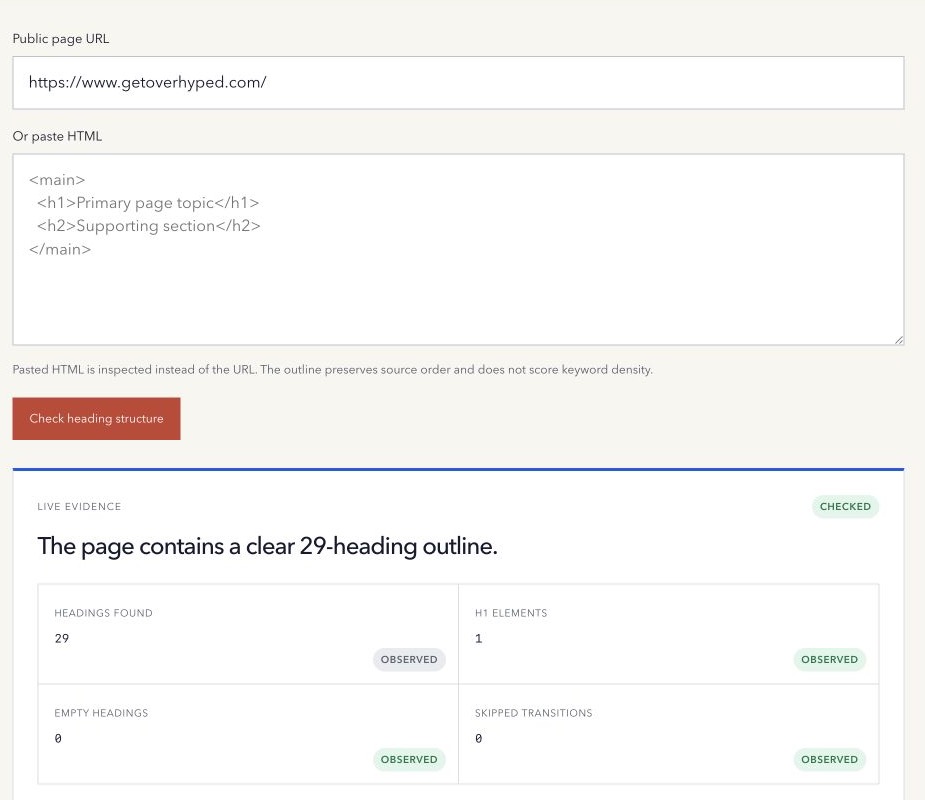
- Count H1 and empty elements.
- Show skipped transitions without calling them ranking penalties.
- Read the outline without the body text.
- Compare it with the visible page and accessibility tree.
- Fix the smallest structural issue that improves comprehension.
- Re-run the page after deployment.
Use the free Heading Structure Checker to inspect a public page or pasted HTML.
Method note: the tool reads initial HTML or pasted markup and does not execute client-side JavaScript. Last reviewed 17 October 2026.