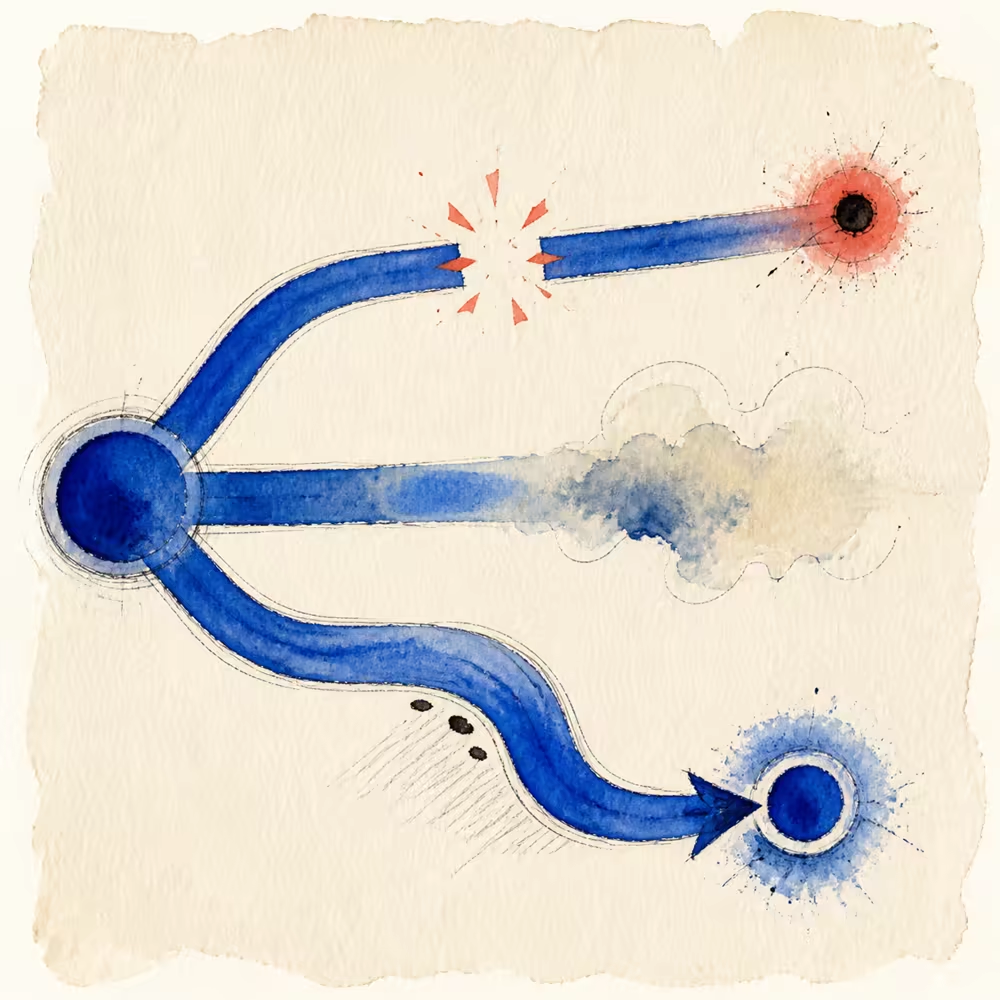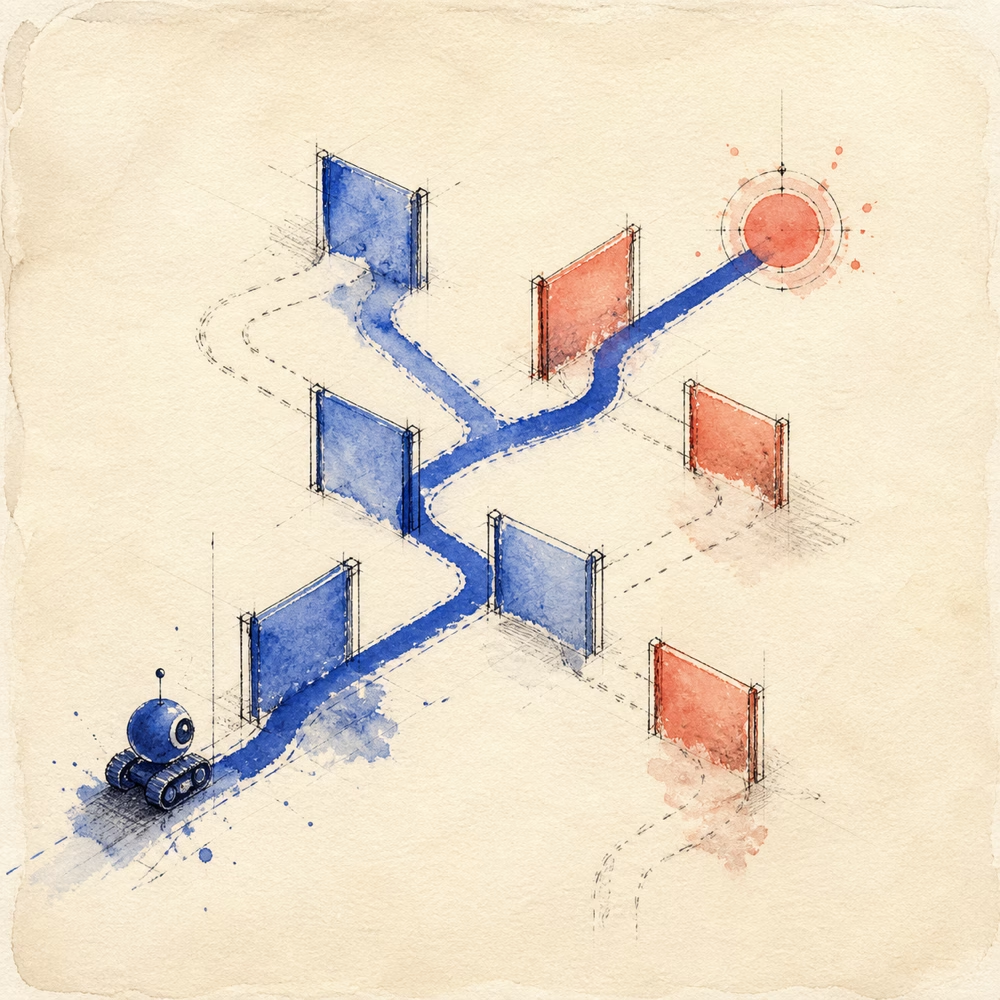
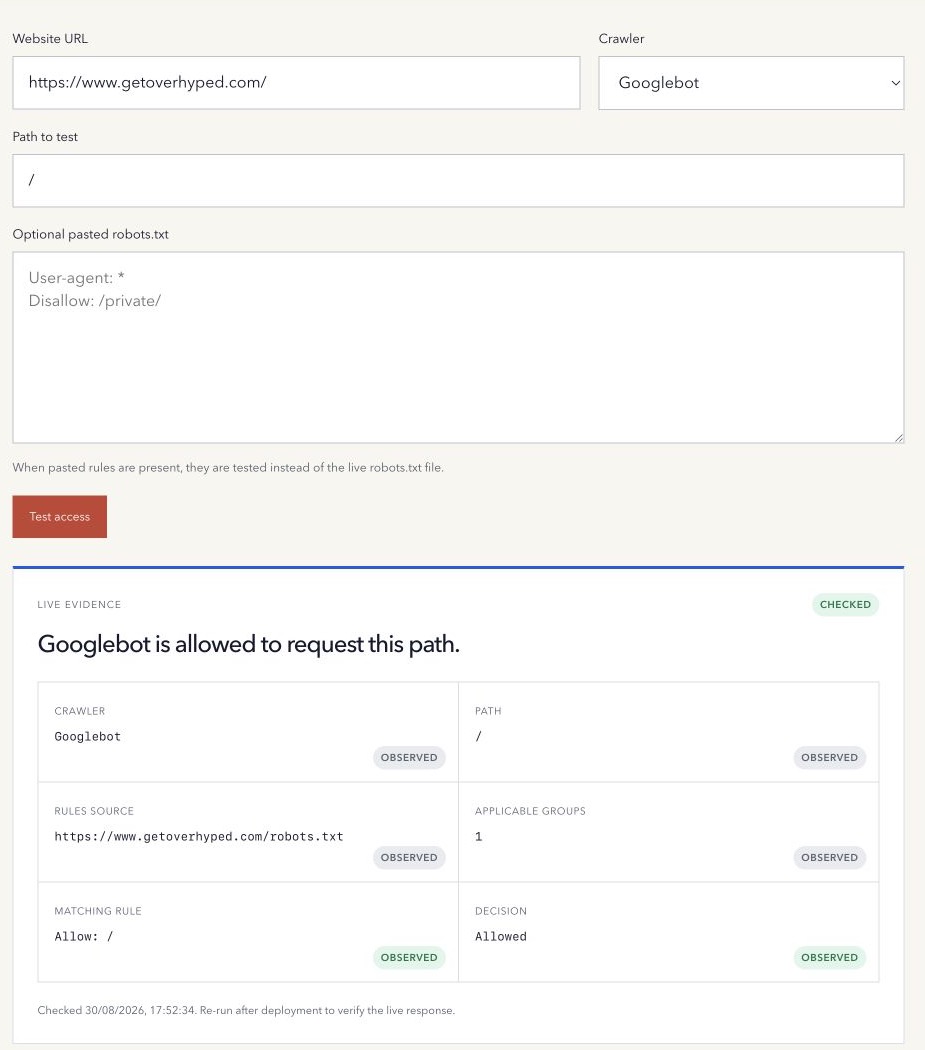
A robots.txt file can look like a top-to-bottom list of instructions. Crawlers do not simply stop at the first line that resembles the URL.
They first select the applicable crawler group, then compare matching path rules by specificity.
Diagnose a blocked-by-robots.txt result
- Record the exact URL and crawler, such as Googlebot. Confirm the final host after redirects; a different host can have a different robots.txt file.
- Fetch the public
/robots.txtfile for that host. Confirm that you are reading the deployed policy, not a local draft or a staging file. - Use the Robots.txt Tester with Googlebot and the exact path. Leave pasted rules empty to test the live file.
- Read the applicable group, matching rule and decision. Do not assume the first rule in the file wins.
- Confirm whether the restriction is intentional before changing the responsible CMS setting or file.
- Test the proposed rules separately, publish through the policy owner, clear the pasted draft, and recheck the live host.
An Allowed result describes this rule evaluation. It does not certify Google’s current indexed state, rendering, authentication or actual crawler visits.
Example: disallow a directory but allow a narrower path
User-agent: *
Disallow: /draft/
Allow: /draft/example/
For a crawler using this group, /draft/notes/ is blocked. /draft/example/start/ matches the longer Allow exception and is allowed. The paths are case-sensitive: test the exact spelling rather than assuming uppercase and lowercase behave identically.
This hypothetical example demonstrates matching, not a recommendation to block a real directory. If a more specific named group applies to Googlebot, evaluate that group instead of assuming these wildcard rules govern it.
Why a URL can be indexed though blocked by robots.txt
Crawl permission and indexed state are different questions. Google can discover a blocked URL through links and may show the URL without having crawled its content. A robots block does not reliably remove a page from search.
Google must be able to retrieve a page to see its noindex directive. Do not add a noindex rule to robots.txt or combine controls blindly. Decide whether the page should be crawlable and searchable, excluded from search, or protected by authentication, then use the appropriate control. Google explains the access requirement in its noindex documentation.
Use Search Console URL Inspection on a verified property for Google’s evidence. Compare the crawl date with the deployment: an old stored result does not prove the current rule change failed. Preserve deliberate restrictions and security controls while diagnosing.
Select the crawler group first
A group begins with one or more User-agent lines followed by its rules. A crawler looks for the most specific user-agent token that matches its name. The wildcard group applies when no more specific group matches.
For example:
User-agent: ExampleBot
Disallow: /private/

User-agent: *
Allow: /
ExampleBot uses its named group rather than combining it with the wildcard group. Google documents this group selection in its robots.txt specification guidance.
Use the longest matching path
Within the applicable group, compare every Allow and Disallow path that matches the requested URL path. The rule matching the most characters is the most specific.
User-agent: *
Disallow: /private/
Allow: /private/public-example/
The path /private/public-example/page matches both rules. The longer Allow rule wins, so the crawler is allowed to request that path.
The standardized Robots Exclusion Protocol defines this most-specific-match behaviour in RFC 9309.
Allow wins an equal-length conflict
When an Allow and Disallow rule match the same number of characters, the Allow rule is used under the RFC model. Google describes the same least-restrictive result for equal rules.
Rule order is therefore not a reliable way to resolve a tie. Make the intended exception explicit and test the exact path.
Wildcards and end anchors need care
Google supports * as a wildcard and $ as an end-of-path marker in rule values. A pattern such as /*.pdf$ is narrower than a plain / block, but small punctuation changes can alter which paths match.
Crawler implementations are not identical. Test named crawlers against the syntax they document rather than assuming every agent supports every extension.
No matching rule normally means allowed
An empty Disallow value does not block the site. When no applicable Allow or Disallow path matches, crawling is normally allowed.
That does not guarantee that the crawler will visit the page. It only means this robots.txt evaluation did not prohibit the request.
What a robots test cannot prove
A deterministic tester can identify the applicable group, matching rule, and resulting Allow or Disallow decision for the text it receives. It cannot prove that a crawler will visit, render, index, cite, or rank the page.
Robots.txt is also not authentication. The file is public, and disallowed URLs can still be discovered from links. Google’s robots.txt introduction warns against using it to keep web pages out of Search or to protect sensitive information.
A safe rule-testing workflow
- Name the exact crawler you want to test.
- Use the URL path, including relevant query text when the crawler’s syntax supports it.
- Test the current live file and any proposed replacement separately.
- Record the selected group and exact matching rule.
- Check important public paths as well as intended blocked paths.
- Deploy the file at the site root as
/robots.txt. - Fetch the public file and repeat the same tests.
Use the free Robots.txt Tester to evaluate a named crawler and path against live or pasted rules.
Method note: the tester uses deterministic group and longest-path matching for the supplied crawler and rules. It reports policy evidence, not crawler behaviour or indexing. Last reviewed 17 October 2026.