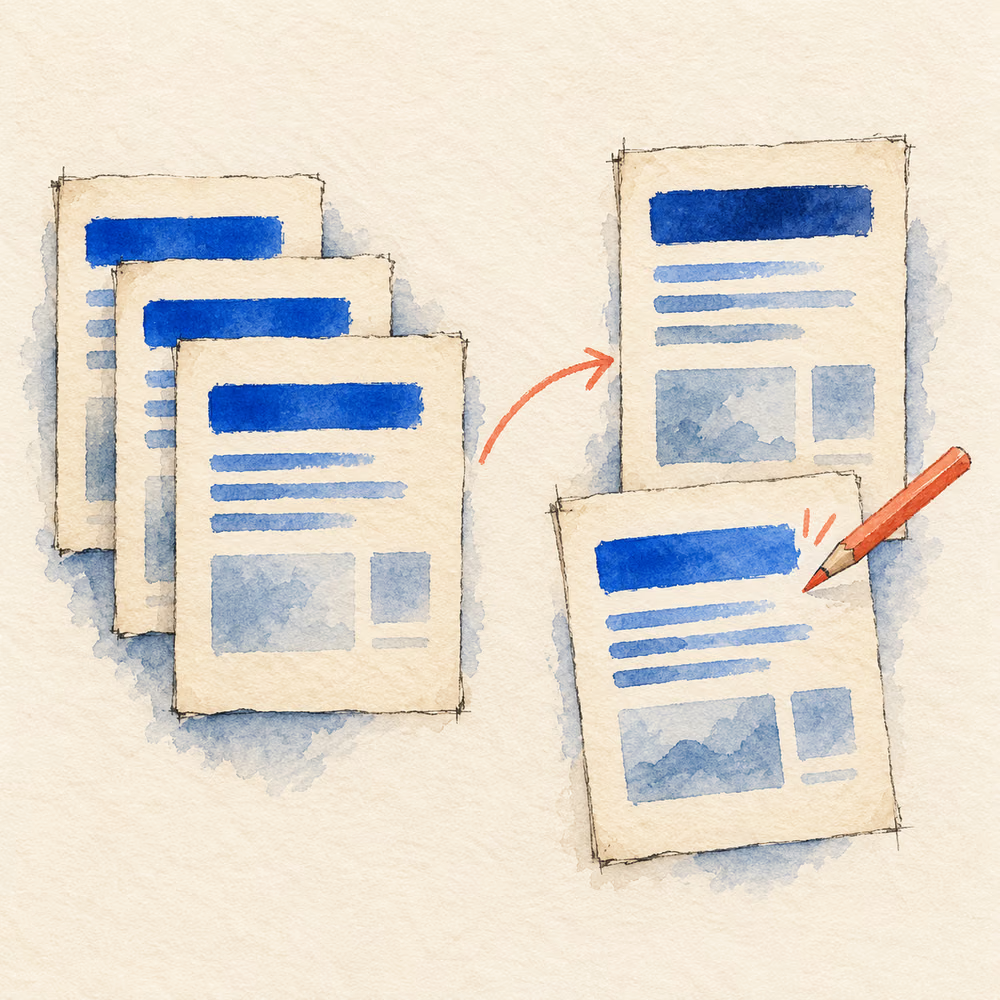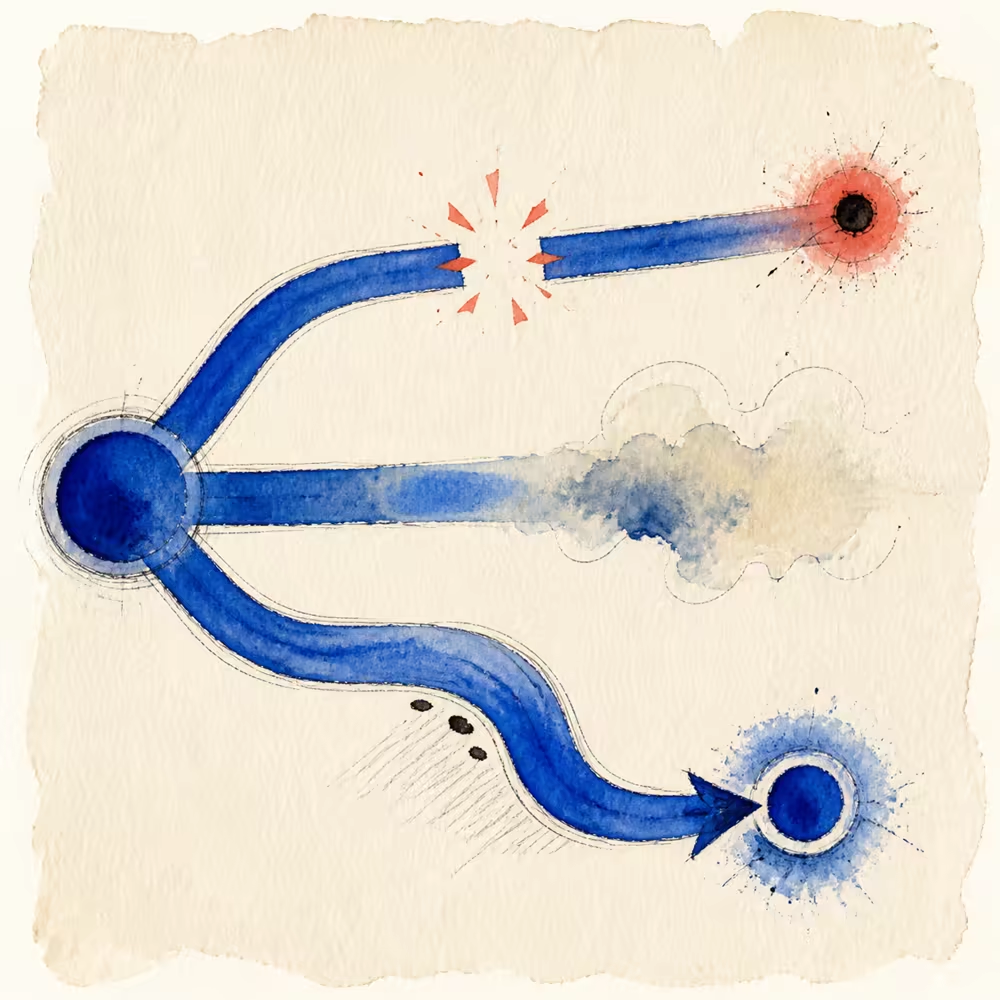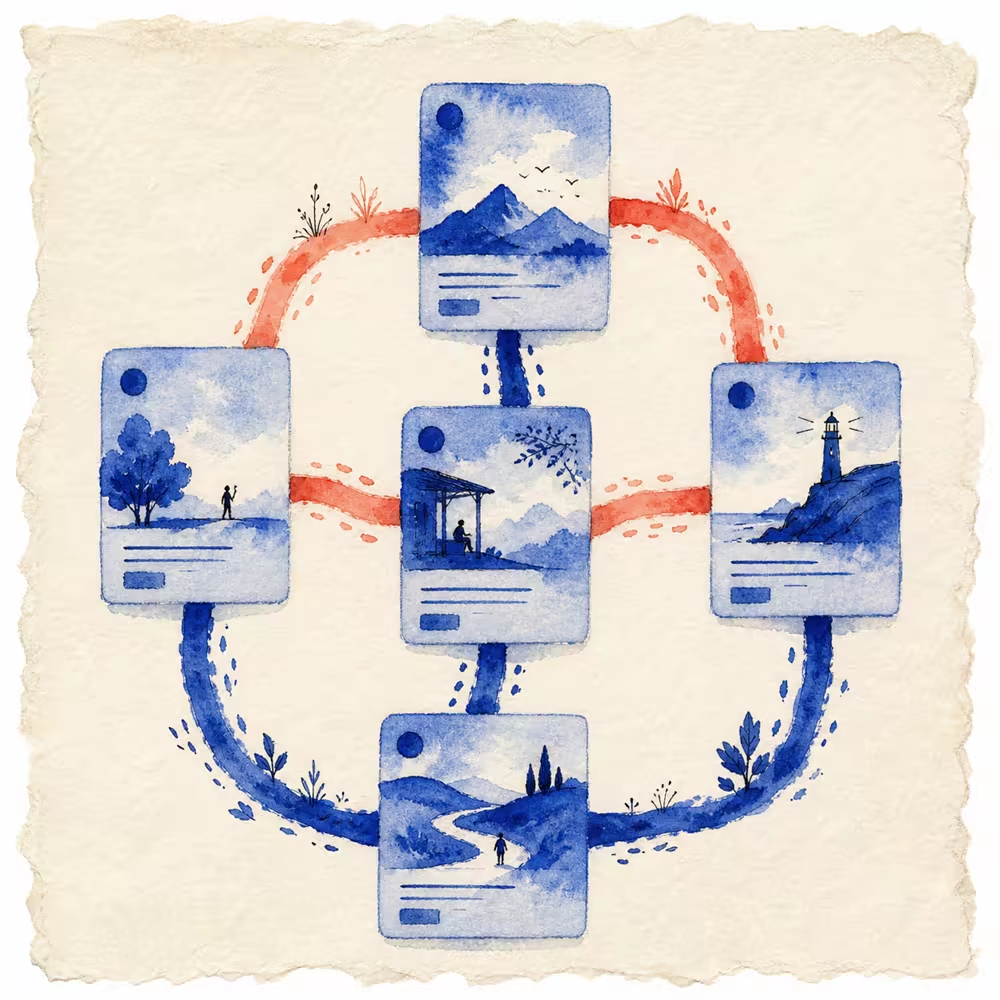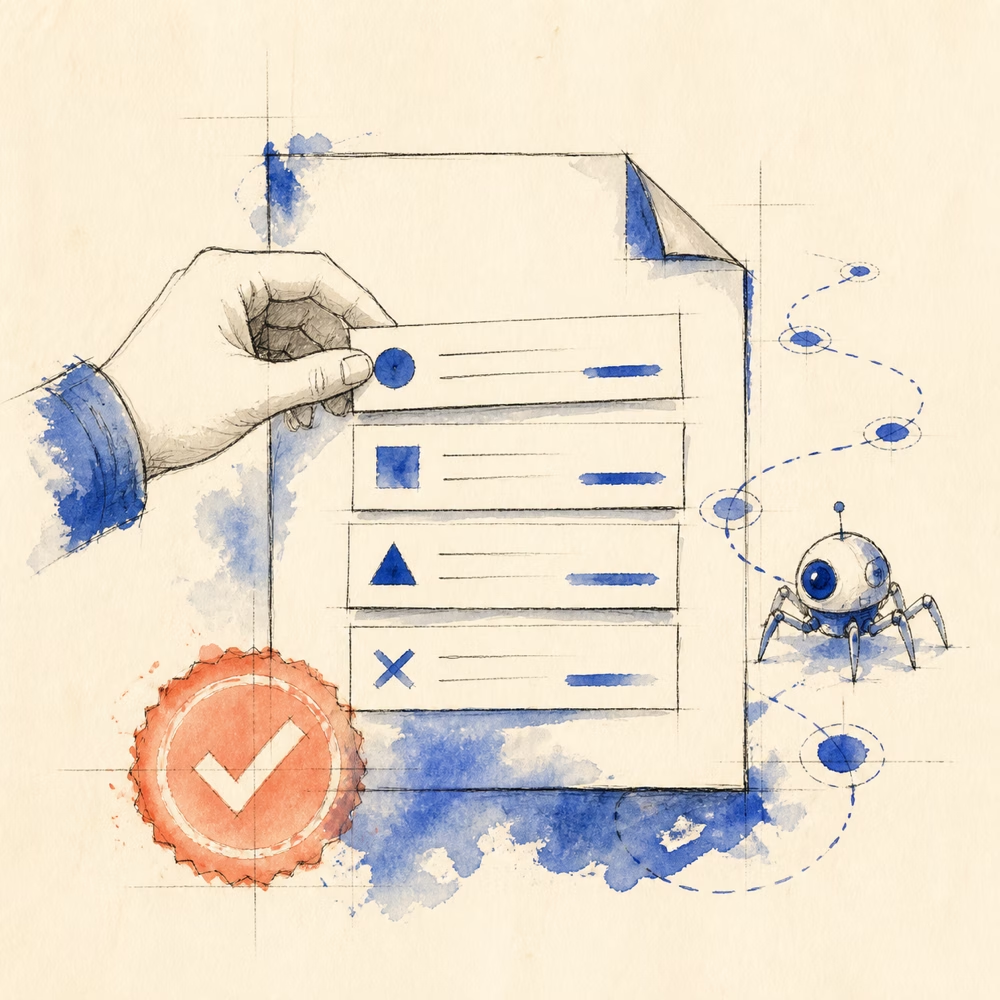
Robots.txt files often become risky because teams copy a staging configuration, add rules without testing them, or treat the file as a security control.
A safer file is small, intentional, public, and easy to verify.
How to create a robots.txt file step by step
- Fetch the existing file at your host’s
/robots.txtaddress and identify whether the CMS, hosting platform, or repository owns it. - Preserve deliberate crawler rules. Decide which paths should actually be restricted before drafting a replacement.
- Create a plain-text file named
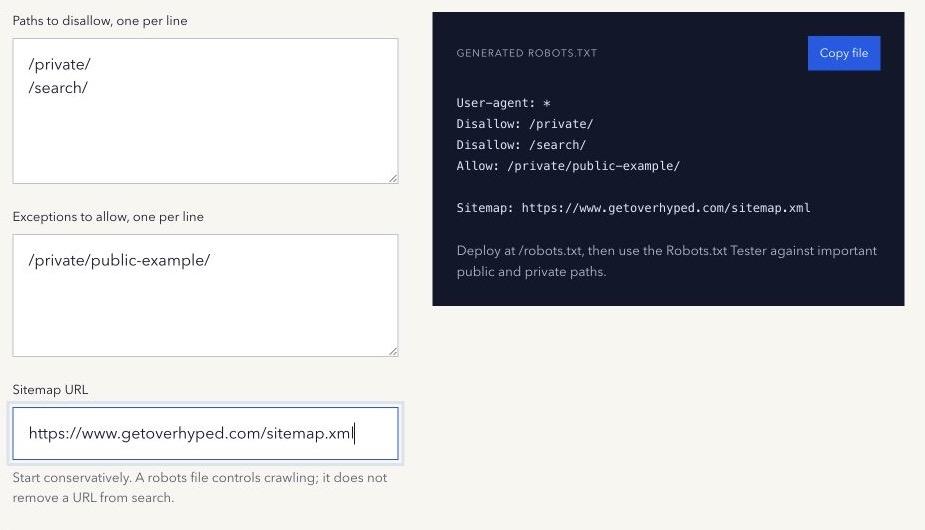
robots.txt, using UTF-8 encoding. The generator can prepare one wildcard group; it does not merge existing policies or upload the file. - Add
Allowexceptions and a complete sitemap URL only where they serve the intended policy. - Test representative blocked and allowed paths for the relevant crawlers with the Robots.txt Tester.
- Publish through the system that owns the file, fetch the public response, and repeat those tests against the deployed rules.
A CMS-generated file may override a manually uploaded draft. Confirm the owner before replacing it, especially when the current file contains crawler-specific groups.
A complete example robots.txt file
This hypothetical example restricts a draft directory while allowing a public example inside it:
User-agent: *
Disallow: /draft/
Allow: /draft/example/
Sitemap: https://example.com/sitemap.xml
For a crawler using this wildcard group, /draft/notes/ matches the disallow rule, while /draft/example/start/ matches the longer allow exception. Replace the domain and paths with reviewed values for your own host; this is a rule example, not a recommendation to block a real directory.
Test both paths against the draft. After deployment, clear any pasted rules in the tester and repeat the tests using the live host. A passing draft test does not prove the same text was published.
Know what robots.txt is for
A robots.txt file tells participating crawlers which URLs they may request. It is mainly a crawl-management mechanism.
It does not authenticate visitors, hide confidential paths, or guarantee removal from search results. Google’s robots.txt introduction recommends noindex or password protection when the goal is to keep a web page out of Google, depending on the situation.
Sensitive content should be protected by application-level authentication and authorization, whether or not its path appears in robots.txt.
Begin with the smallest useful policy
Many sites do not need a long file. A clear wildcard group can be enough:
User-agent: *
Allow: /
An explicit Allow: / is readable but not required when there are no blocking rules. Add a Disallow only when a crawler-access restriction is deliberate.
User-agent: *
Disallow: /internal-search/
Review whether the blocked path contains resources needed to understand public pages. Do not block important CSS, JavaScript, or images simply because they are not standalone landing pages.
Treat a whole-site block as a release risk
This rule blocks matching crawlers from the entire site:
User-agent: *
Disallow: /
It can be intentional on a temporary environment. Carrying it into production can prevent crawling across the public site. Put whole-site blocks on the same launch checklist as authentication, canonical URLs, analytics, and sitemap verification.
Add narrow exceptions deliberately
An Allow rule can create an exception inside a broader blocked path:
User-agent: *
Disallow: /private/
Allow: /private/public-example/
The longer matching path is more specific. Test a representative allowed URL and a representative blocked URL rather than assuming the exception works.
Use named user-agent groups only when you have a real crawler-specific policy. Keep the reason documented outside the public file so future editors understand the intent.
Add a sitemap declaration when useful
A robots.txt file can list a fully qualified sitemap URL:
Sitemap: https://example.com/sitemap.xmlThis helps crawlers discover the sitemap location, but a sitemap does not guarantee crawling, indexing, rankings, or visibility. Keep the sitemap URL public, current, and consistent with the site’s preferred host and protocol.
Publish at the correct location
The file belongs at the root of the relevant host, such as https://example.com/robots.txt. A file under a subdirectory does not control the whole host.
Robots policies are scoped by protocol, host, and port. If the site serves meaningful content across different subdomains, review each host separately.
A pre-deployment checklist
- Confirm the business intent behind every blocked path.
- Remove staging-only whole-site restrictions from the production draft.
- Verify that private content is protected independently of robots.txt.
- Test named crawlers and representative public, blocked, and exception paths.
- Validate the sitemap URL if one is declared.
- Publish the file at the host root.
- Fetch the live file without authentication and test it again.
- Recheck after CMS, CDN, routing, or migration changes.
Google explains supported file creation and placement in its robots.txt creation guide.
Use the free Robots.txt Generator to create a conservative browser-based draft, then test it before deployment.
Method note: the generator produces text from the paths and sitemap URL you enter. It does not upload the file, decide policy intent, or verify crawler behaviour. Last reviewed 17 October 2026.