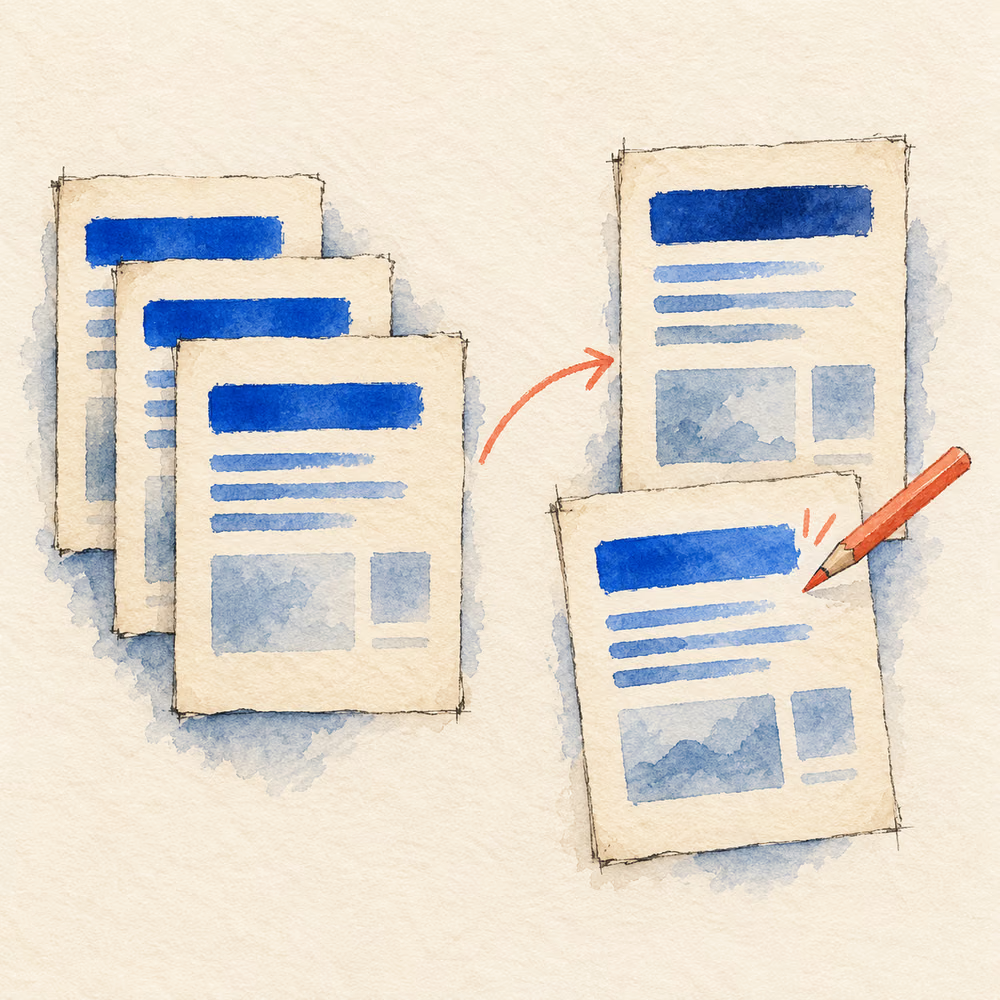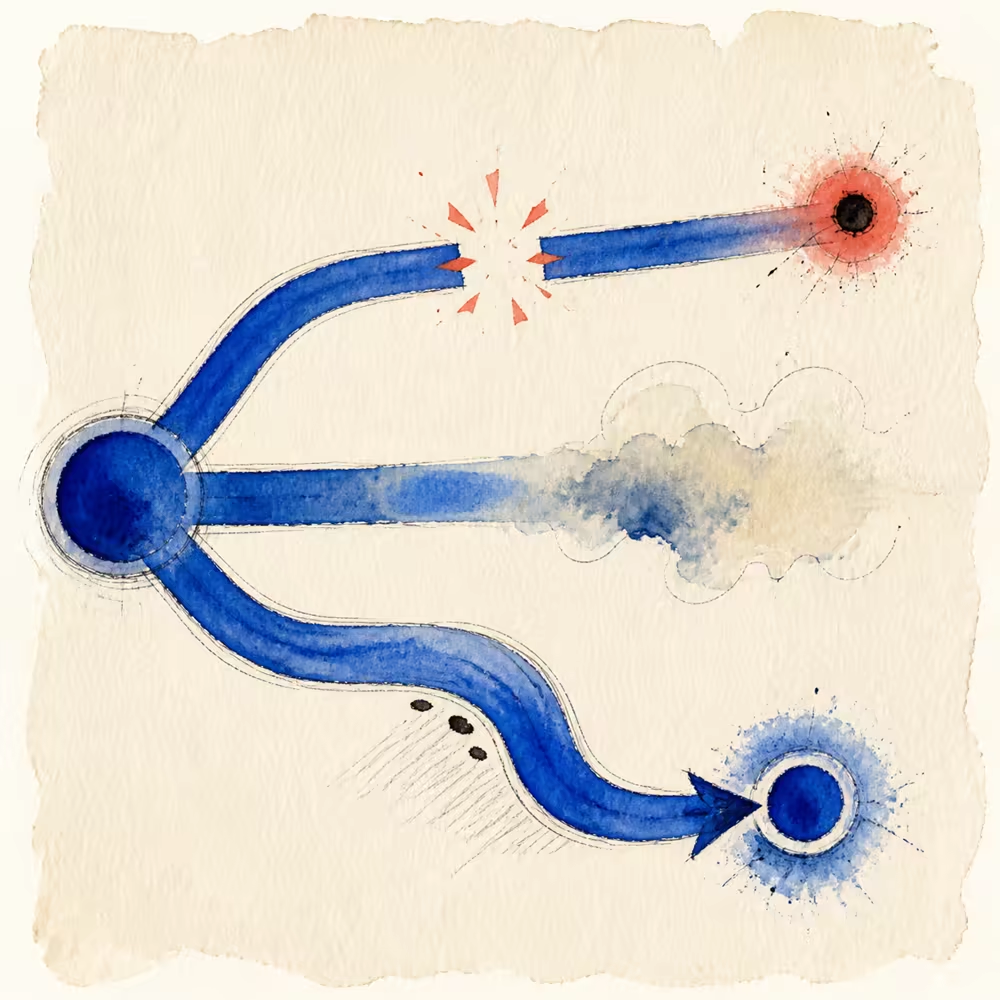
A website checkup is useful when it shows evidence you can inspect. It becomes dangerous when one score is presented as proof that a site will rank, earn AI citations, or bring leads.
That distinction shaped the Overhyped checkup. We wanted one URL to produce a clear starting point without pretending that a fetch of one page knows the whole business.
What a single-page check can verify
A tool can request the public URL and inspect the response it receives. It can check whether the page returns HTML, follow a limited redirect path, and read elements such as the title, meta description, canonical link, headings, visible text, links, image attributes, and structured data.
It can also inspect supporting public files such as robots.txt and a declared sitemap. When a performance service is available, it can report mobile Lighthouse lab evidence separately from Chrome UX Report field data.
These are observations. “The title element is missing” is verifiable. “This title will rank better after we add a keyword” is not.
What the checkup cannot know
One page cannot reveal every template, internal link, redirect, duplicate, or indexing decision on a large website. It cannot see private analytics or Search Console data unless the owner grants access. It also cannot know the intent behind every noindex, robots rule, canonical, or schema choice.
Most importantly, it cannot promise rankings, traffic, leads, or inclusion in an AI answer. Search systems combine many signals and can change how they retrieve and display information.
Why some findings need review
Not every absent element is a failure. A robots meta tag is optional when the default index-and-follow behaviour is intended. Schema is useful only when it accurately represents visible content. A sitemap may help discovery, but its absence does not prove that a small site is invisible.
This is why Overhyped separates objective failures from Review items. A broken title element can be scored. A possible schema opportunity should be reviewed in context. Review and Unavailable items do not reduce the Search or Agent score.
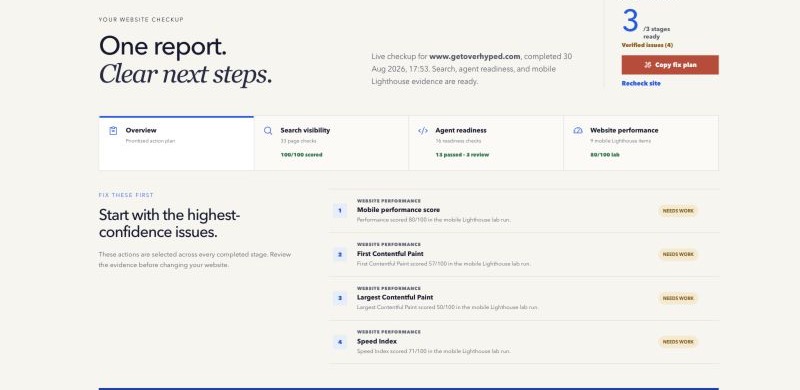
The current report contains 33 Search items, 16 Agent items, and 9 mobile Lighthouse items when the independent Performance stage runs. Optional conventions such as llms.txt, Markdown delivery, and explicit named-crawler declarations stay in Review unless stronger evidence makes a specific issue objective.
A safer workflow
- Run the check on the exact public URL.
- Open the evidence behind each finding.
- Fix objective, high-confidence problems first.
- Preserve intentional controls such as canonical and
noindexdecisions. - Deploy the change and run the check again.
- Use Search Console and analytics for outcomes that a page fetch cannot measure.
The useful loop is evidence, explanation, action, and verification—not score chasing.
Common mistakes
Do not change every review item just to make a report look green. Do not copy generic fixes across every page. Do not treat a lab performance run as the experience of every real visitor. And do not hide the basic result behind an email form before the person can see whether the tool is useful.
Google’s helpful content guidance encourages content made for people, while its AI features guidance says the normal technical requirements for appearing in Search continue to apply. There is no secret AI-search tag that replaces a useful, accessible page.
Try the evidence yourself
Run the free One Website Checkup. Start with one page, read what was observed, and make only the changes the evidence supports. For the exact inventory and score contract, use the canonical One Website Checkup methodology.
Method note: this guide explains the approach in plain language. The canonical methodology contains the current item inventory and scoring contract. Last reviewed 29 August 2026.