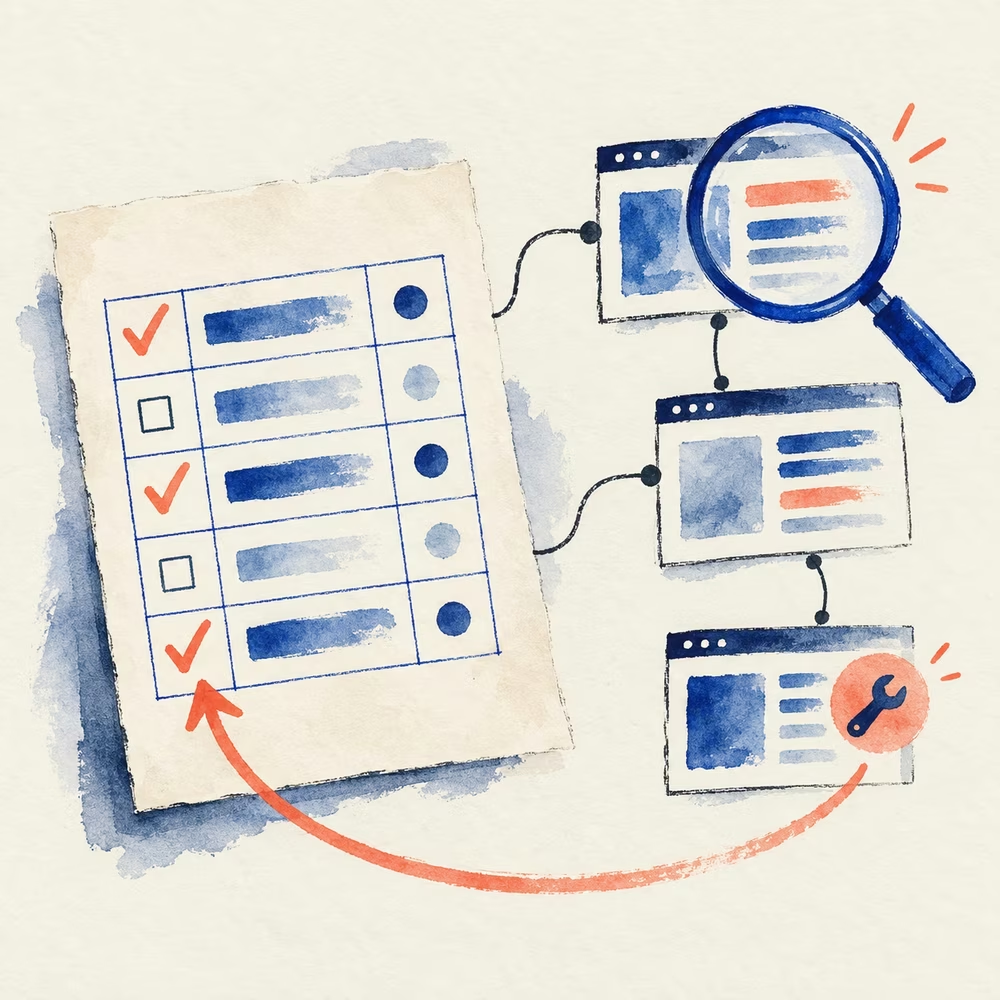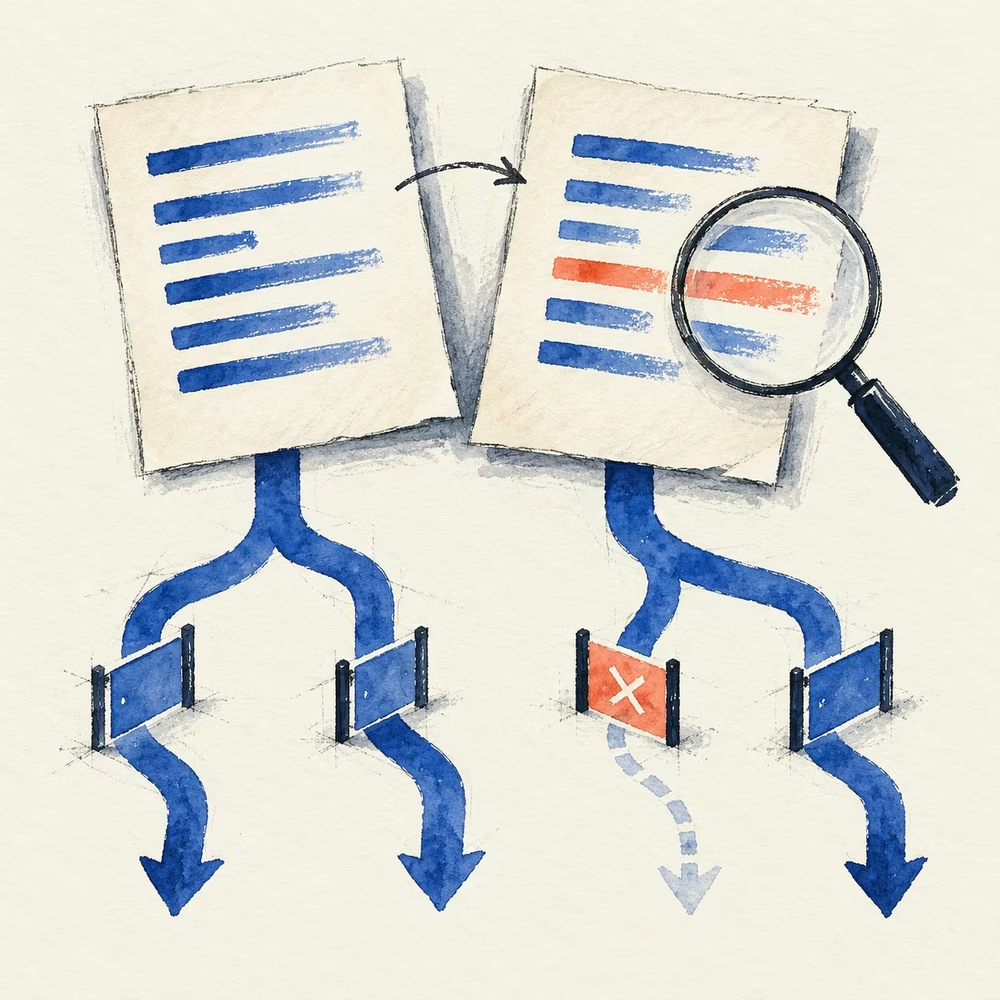
A deployment can change crawl rules without changing the page you see in a browser. Robots.txt monitoring helps you notice that change and decide whether it affects URLs that should remain accessible.
The useful alert is more specific than “the file changed.” It identifies the origin, the changed response and the important paths whose expected behavior no longer matches.
What should a robots.txt monitor record?
Start with each exact origin you operate. HTTP and HTTPS, different hosts and different ports can have different policies. See Google’s robots.txt specification.
For each retrieval, record the requested URL, final URL, retrieval time, HTTP status, response headers and body. Keep the last successful snapshot alongside the new one. A timestamp without the response cannot explain what changed.
Give the policy an owner. Record who approved restrictions and who should investigate unexpected changes. A monitor without a response owner often produces alerts that nobody resolves.
Compare bytes, then compare behavior
Use two separate checks:
- File comparison: did the response body change? A hash or byte comparison can detect this cheaply.
- Path evaluation: do important paths still produce their intended decisions for the chosen crawler?
A comment can change the bytes while leaving crawl permissions unchanged. Conversely, changing one Disallow value can affect many paths. Neither a hash match nor an Allowed result proves that Google has fetched or indexed a page.
A tested before-and-after example
Download the fictional monitoring example. It contains three snapshots, five critical-path cases and a small Node.js byte-comparison script. These are teaching fixtures: do not deploy them as your website policy.
The starting file is:
User-agent: *
Disallow: /private/
Allow: /assets/
The changed file is:
User-agent: *
Disallow: /
Allow: /assets/
We evaluated both snapshots with Overhyped’s existing robots parser on 27 October 2026, using Googlebot and these exact paths:
| Path | Before | After | Review decision |
|---|---|---|---|
/ |
Allowed | Blocked | Unexpected for this fixture |
/pricing |
Allowed | Blocked | Unexpected for this fixture |
/guides/start |
Allowed | Blocked | Unexpected for this fixture |
/private/account |
Blocked | Blocked | Intended restriction retained |
/assets/logo.png |
Allowed | Allowed | Narrower Allow rule still applies |
A third snapshot adds only a comment to the starting file. Its bytes differ, but all five path decisions remain the same. Across these three snapshots, 15 path evaluations and three file-comparison checks passed our expected fixture results. This is an offline parser exercise, not evidence of a Google crawl.
To run the included comparison after extracting the archive:
node compare-snapshots.mjs robots-before.txt robots-after.txt
node compare-snapshots.mjs robots-before.txt robots-comment-only.txt
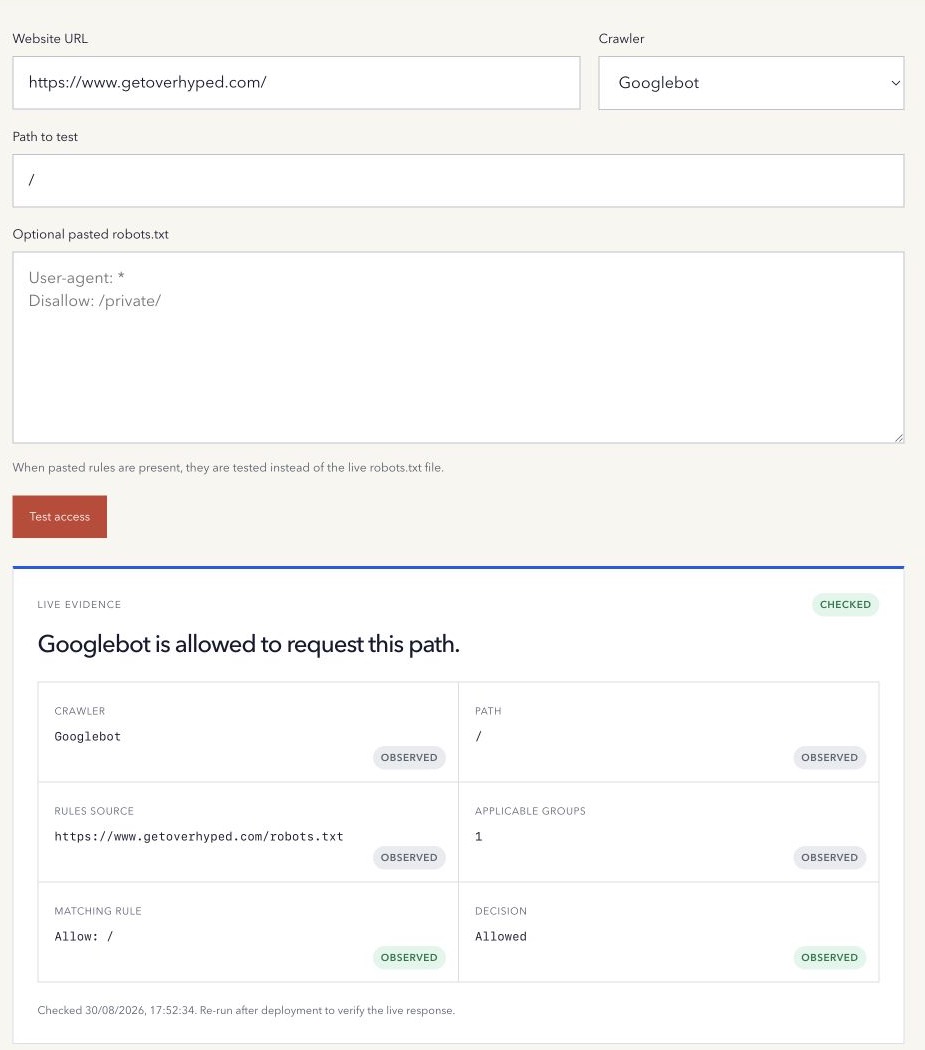
Both commands report a changed file. The script compares saved bytes only: it does not fetch URLs, parse rules, schedule checks or send alerts. Use the Robots.txt Tester to evaluate the selected crawler and paths against each pasted snapshot. For the underlying matching rules, read how robots.txt rule matching works.
Choose critical paths from your own site
Include a small representative set: the homepage, a commercial page, a guide, a required asset and an intentionally restricted path. Add cases for special crawler groups where your policy uses them.
Write the intended decision beside each case before changing rules. “Blocked” can be correct. A production policy may deliberately protect crawl budget or exclude routes that should not be fetched; robots.txt is not access control for private information.
Check exact spelling and case. Keep one case per meaningful template or exception rather than testing only the homepage and assuming the rest behaves identically.
Handle failed retrievals separately
A timeout, unexpected redirect, server error or non-text response is a retrieval incident. Do not overwrite the successful baseline with an empty file or treat an error as a confirmed policy change.
Retain the last good snapshot, record the failure and route it to the responsible owner. Investigate the live response before deciding how to act. This local comparison example does not reproduce Google’s handling of fetch failures or cached policies.
Turn monitoring into a response routine
Choose a checking interval based on deployment frequency and the harm an unnoticed change could cause. Add a check after releases that can affect routing, hosting or robots settings. Use your existing scheduler and notification system; Overhyped’s tester performs individual checks and does not provide continuous monitoring.
When a path unexpectedly changes, identify the release or setting responsible, confirm the intended policy and review the smallest repair. Preserve deliberate restrictions. After approval and deployment, fetch the exact live origin again, clear any pasted draft in the tester and rerun the same cases.
Record the deployed time and retest evidence. Check Google’s crawl and indexing evidence separately when relevant. Changing robots.txt alone neither removes a URL from search nor guarantees inclusion. For a new policy, start with the safe robots.txt creation guide.