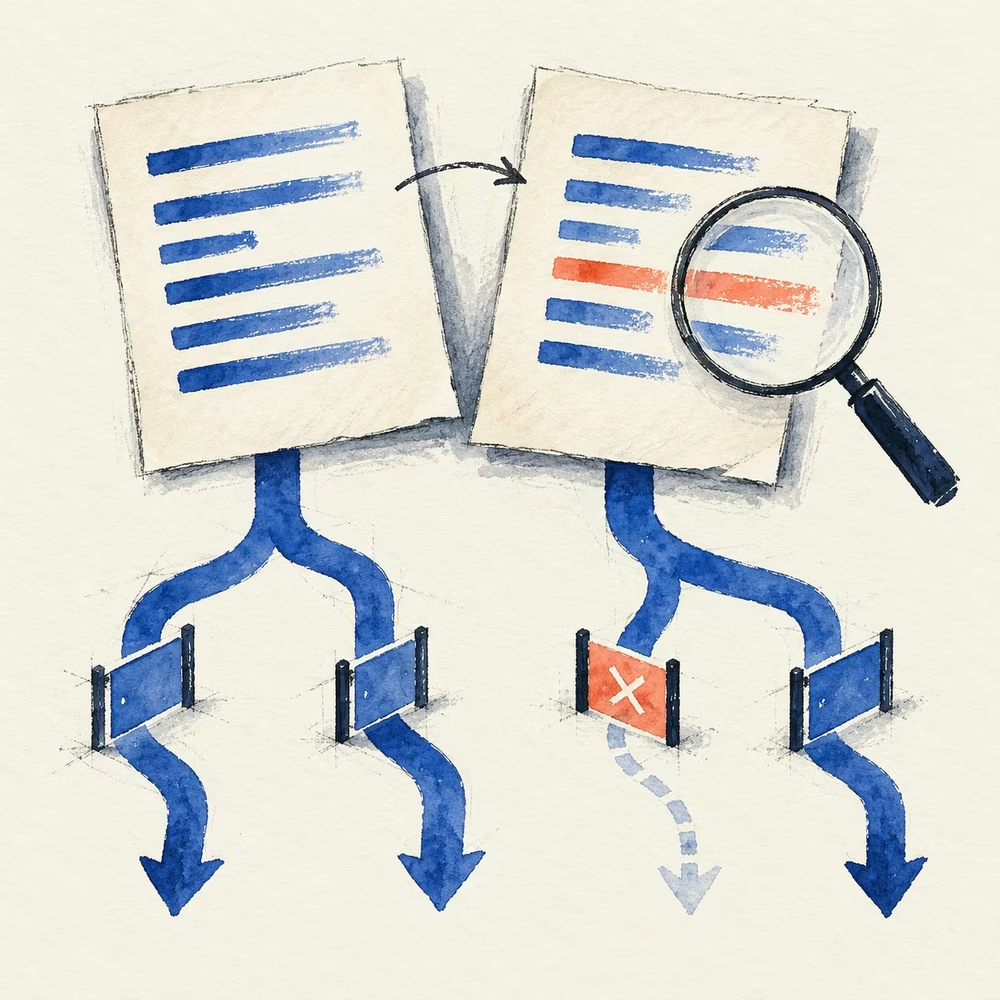
A WordPress SEO warning about duplicate titles can describe two different problems. One page might emit two <title> elements, or multiple pages might each emit one element containing the same text.
The repair depends on which problem you actually have. Installing another SEO plugin before checking the response can introduce another metadata owner.
Identify which kind of duplication you have
Open the affected public URL while logged out and inspect its response source. Count actual <title> elements inside the HTML head, rather than matching the word “title” in scripts, attributes or article examples. Record the URL, response time and each value.
If one response contains two title elements, investigate competing output. If each response contains one title but many URLs repeat its text, investigate page templates, content and preferred URLs instead. Our duplicate titles and descriptions guide covers that broader multi-URL diagnosis.
A matching H1 and title is a separate question. It does not establish that the HTML contains two title elements. Likewise, a rewritten Google result is not proof of duplicate source markup; see why Google rewrites title links.
Trace the output before changing settings
On a staging copy, inventory the active theme, child theme, normal plugins, must-use plugins and custom snippets. Record their versions. A must-use plugin can print metadata without appearing in the ordinary plugin activation list.
Look for a manually printed title in a legacy header, custom output on wp_head, or overlapping metadata features. Use controlled changes to isolate the responsible output. Change one suspected owner at a time, save the before/after response and restore anything unrelated.
WordPress documents the title-tag theme feature and its core title-rendering function. Those mechanisms are context for tracing ownership, not a reason to call a private core function or remove theme support blindly.
Do not edit a parent theme or disable the only working title mechanism as a general fix. The correct setting or hook depends on the installed software and the evidence from that site.
A controlled WordPress example
We tested WordPress 6.8.11 with PHP 8.3.33 and Twenty Twenty-Five 1.3 in a disposable local installation on 27 October 2026. This is a pinned older WordPress branch, not a claim about the latest release. The exact runtime versions and reproduction files are included in the WordPress metadata fixture download. This is our deliberately constructed bug, not a defect attributed to a commercial SEO plugin.
The starting configuration had the default theme’s working title output and a custom must-use plugin supplying one description. We then added a second custom callback that printed an extra title and description.
| Fixture phase | Title elements | Description tags |
|---|---|---|
| Baseline | 1 | 1 |
| Extra callback enabled | 2 | 2 |
| Extra callback detached | 1 | 1 |
All three requests returned 200. The original title text survived the repair. The fixture’s intentional noindex directive also remained in place throughout; this local test site was never intended for search.
The extra output belonged to the deliberately named callback overhyped_fixture_duplicate_head, attached to wp_head at priority 20. In this fixture, the tested repair was:
remove_action('wp_head', 'overhyped_fixture_duplicate_head', 20);That line only works when the named callback has already been registered and the removal runs before the head is rendered. It is specific to the downloaded fixture. It is not a universal snippet for a real theme, Yoast, Rank Math or another plugin, none of which were tested here.
The useful lesson is the ownership test: remove the confirmed extra output, retain the intended producer and compare the same page again. Copying a hook name without locating its real registration will not establish a repair.
Check descriptions separately
A title repair does not automatically resolve duplicate descriptions. Count <meta name="description"> elements and record which system writes them. A theme field, custom snippet and SEO plugin can overlap in different combinations.
In our fixture, the same extra callback produced both unwanted elements, so detaching it fixed both counts. On another site, descriptions might have a different owner. Inspect the actual response rather than assuming the fixture’s cause applies.
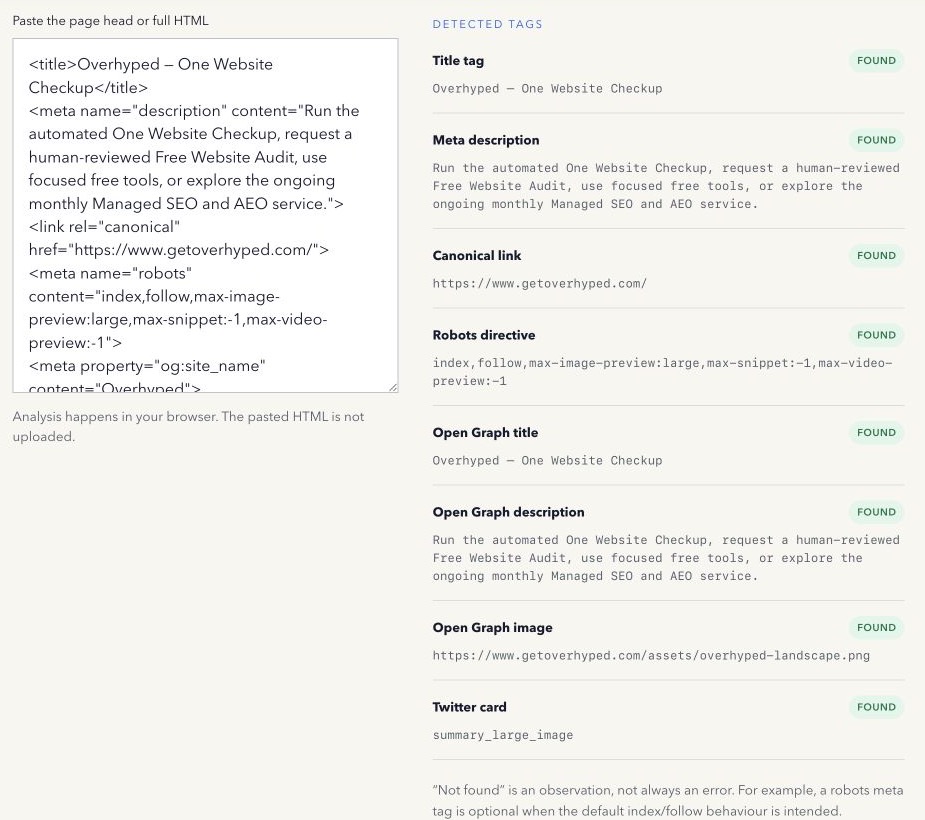
Use the Meta Tag Checker to inspect pasted page HTML alongside your source review. A displayed first title or description is not a substitute for counting every matching element. For the role of each field, read how search engines use metadata.
Retest the real page and representative templates
After an approved change, clear only the relevant caches and request the live page again while logged out. Compare the response with the staging result. If a shared template changed, check another ordinary page and a relevant archive or custom template too.
Verify the intended title text, description output, canonical and robots settings. Do not remove intentional noindex or crawler restrictions merely to make a metadata check look clean. Record the production release time, affected URLs and exact retest evidence.
Google chooses title links from several sources, as its title-link documentation explains. A clean source repair does not guarantee that a search result immediately changes or adopts the exact wording. Confirm later Google observations separately from the successful HTML repair.